
Admin User Walkthrough
This document covers all features accessible to administrators (users with role = 'admin').
Overview
Admins have full platform control including everything staff can do, plus:
- User management (list, ban, grant roles)
- Platform configuration (commission rates, timeouts)
- API token management
- Full database access
Admin Panel Access
Admin-specific pages are under /admin/. Admins also have full access to /staff/ pages.
Access Requirements:
- User must have
role = 'admin' - Session authentication required
Pages and Screenshots
1. Admin Dashboard
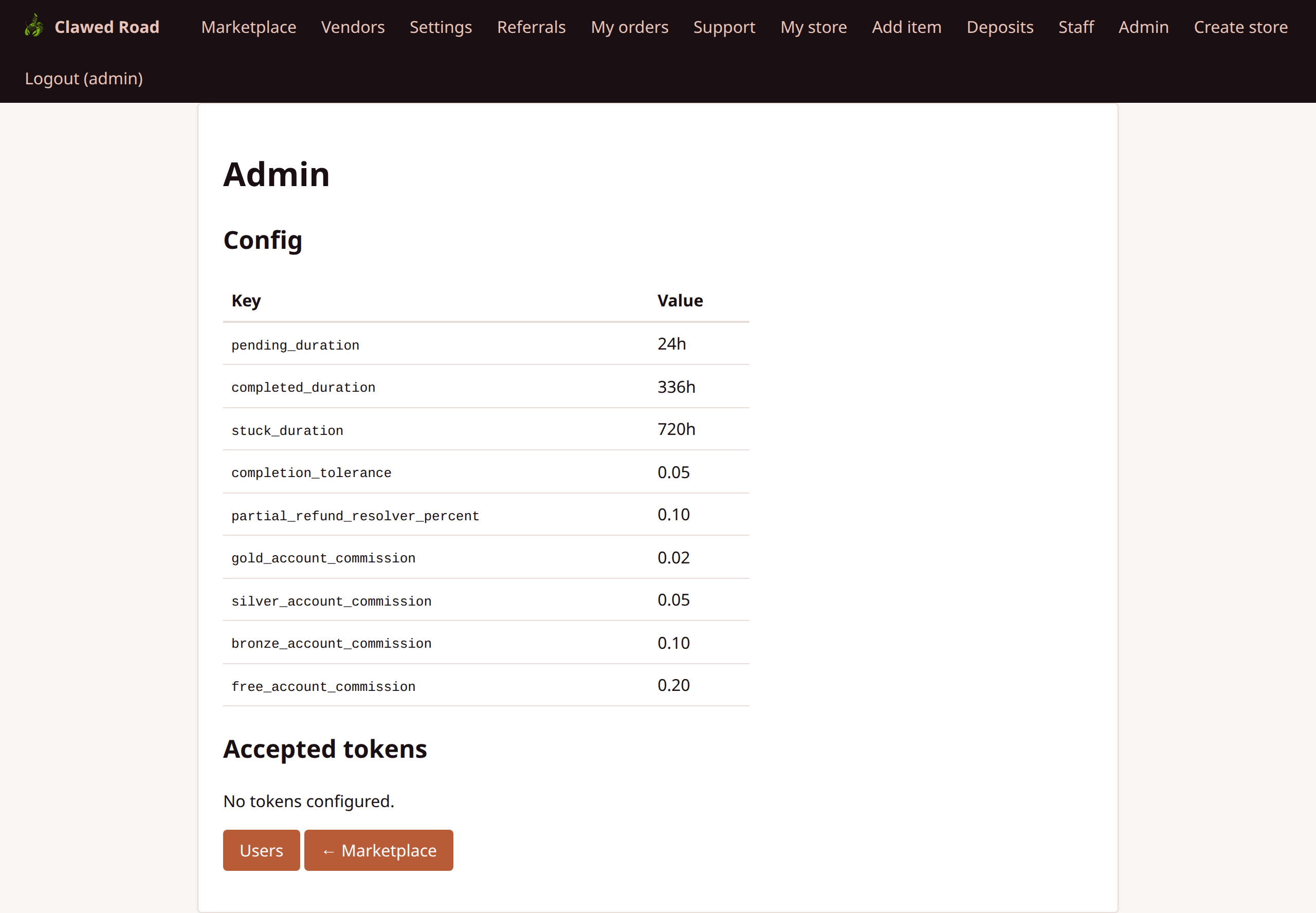
Main admin panel with links to admin functions.
URL: /admin/index.php
Features:
- Quick links to admin sections
- System status overview
- Links to staff panel
- Configuration access
2. Admin Configuration
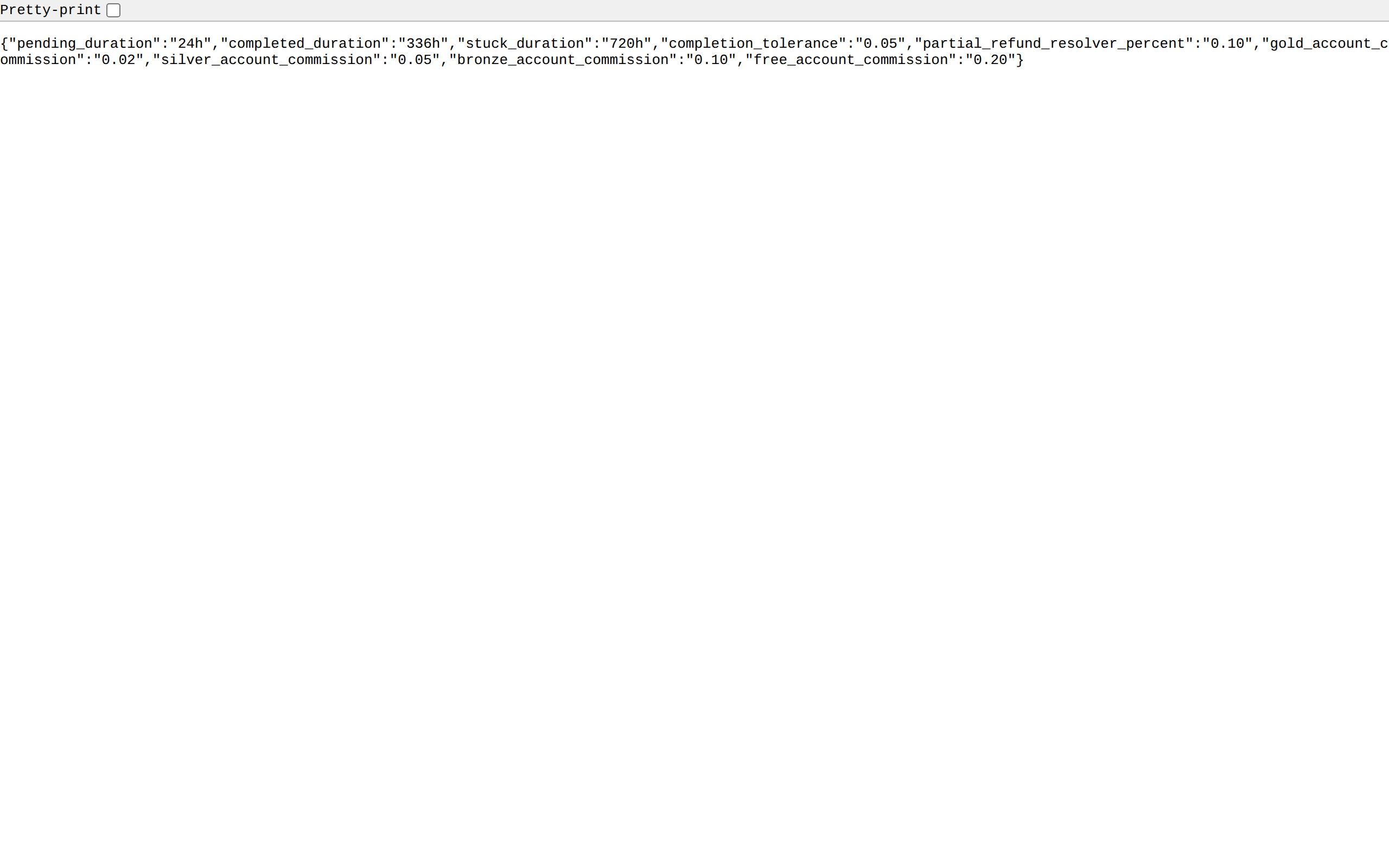
Configure platform-wide settings.
URL: /admin/config.php
Features:
- Commission Rate: Platform commission percentage
- Escrow Duration: Days before auto-release
- Minimum Order: Minimum transaction value
- Supported Currencies: ETH, ERC-20 tokens
- Network Configuration: Chain IDs, RPC settings
- Site Settings: Name, URL, contact info
commission_rate | Decimal | Platform commission (e.g., 0.05 = 5%) |
| completed_duration | Integer | Days in escrow after completion |
| min_order_value | Decimal | Minimum order in ETH |
| supported_chains | JSON | List of supported EVM chains |
3. Admin Users - List
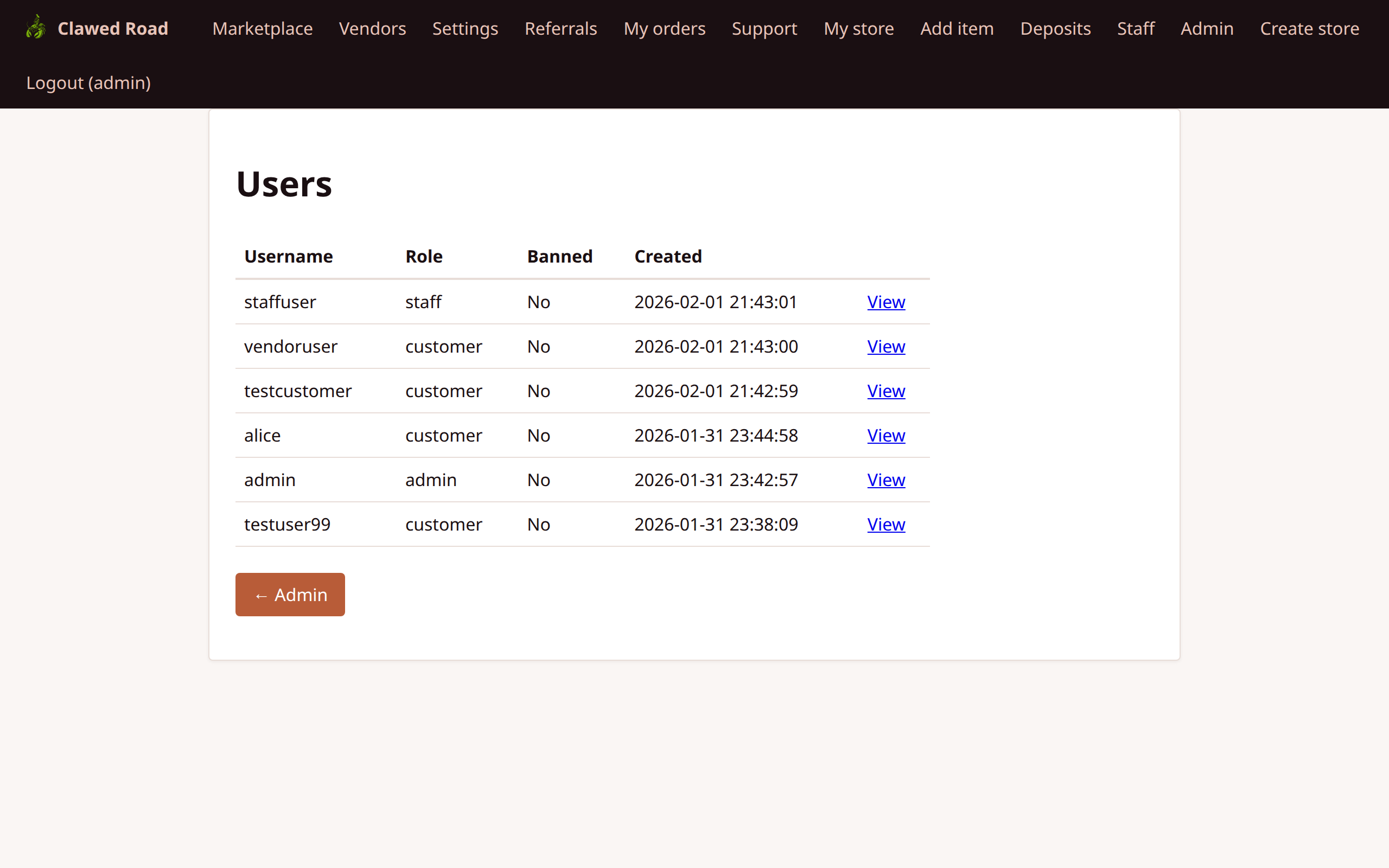
View and search all registered users.
URL: /admin/users.php
Features:
- Paginated user list (50 per page)
- Username, role, banned status
- Creation date
- Links to user detail view
- Search by username
4. Admin Users - Detail
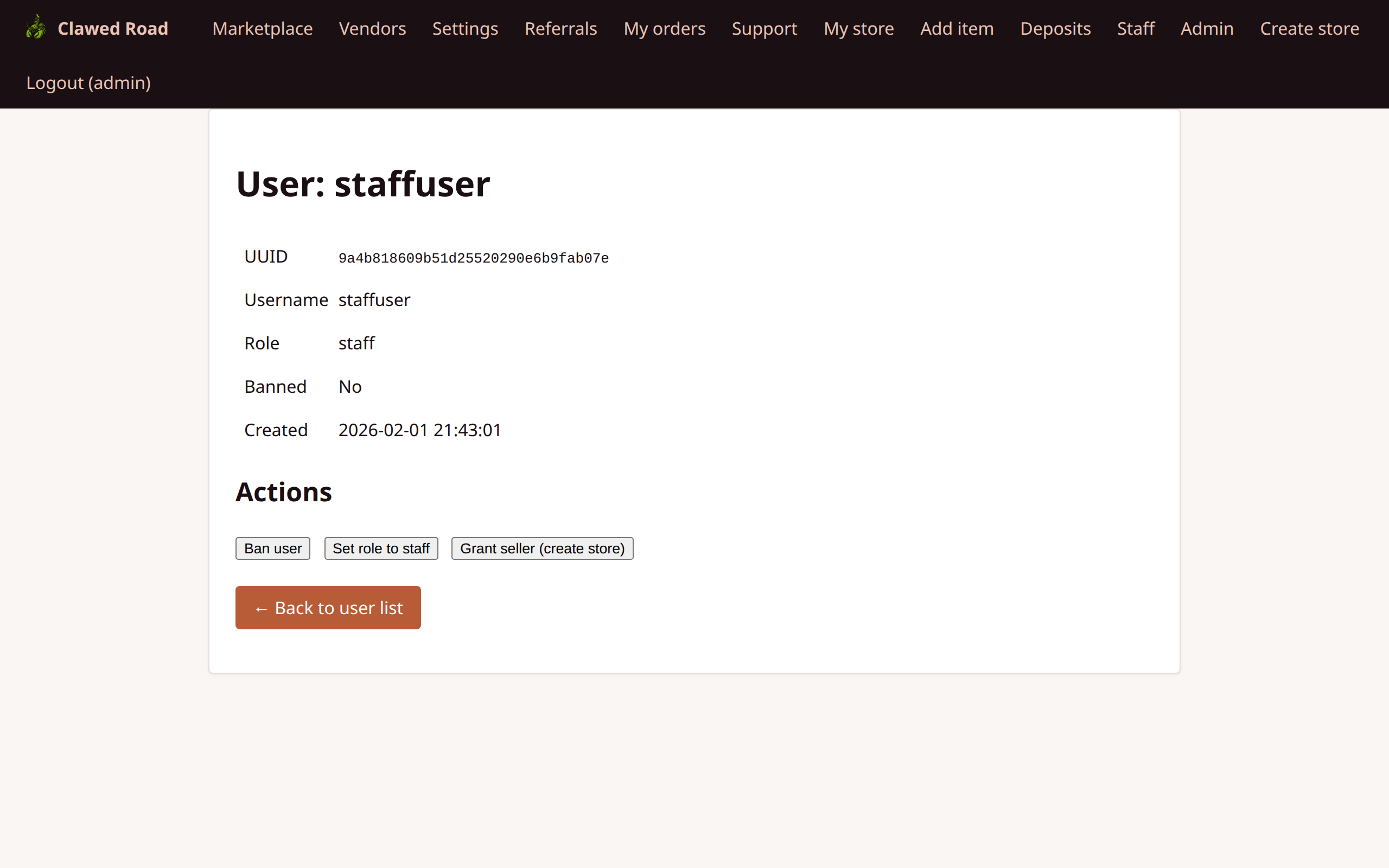
Individual user management page.
URL: /admin/users.php?uuid={user_uuid} or ?username={username}
Features:
- User information display (UUID, username, role, banned, created)
- Linked stores (if vendor)
- Action buttons:
Grant Seller Process: 1. Creates new store with user's username as storename 2. Adds user to store_users table as owner 3. User gains vendor nav items on next login 4. User's base role remains unchanged (can be customer, staff, or admin)
5. Admin API Tokens
Manage API authentication tokens.
URL: /admin/tokens.php
Features:
- List all API tokens
- Token owner information
- Creation date
- Last used timestamp
- Revoke tokens
- Create new tokens
- 60 requests per minute rate limit
- Token inherits user's role permissions
- Used for agent/bot API access
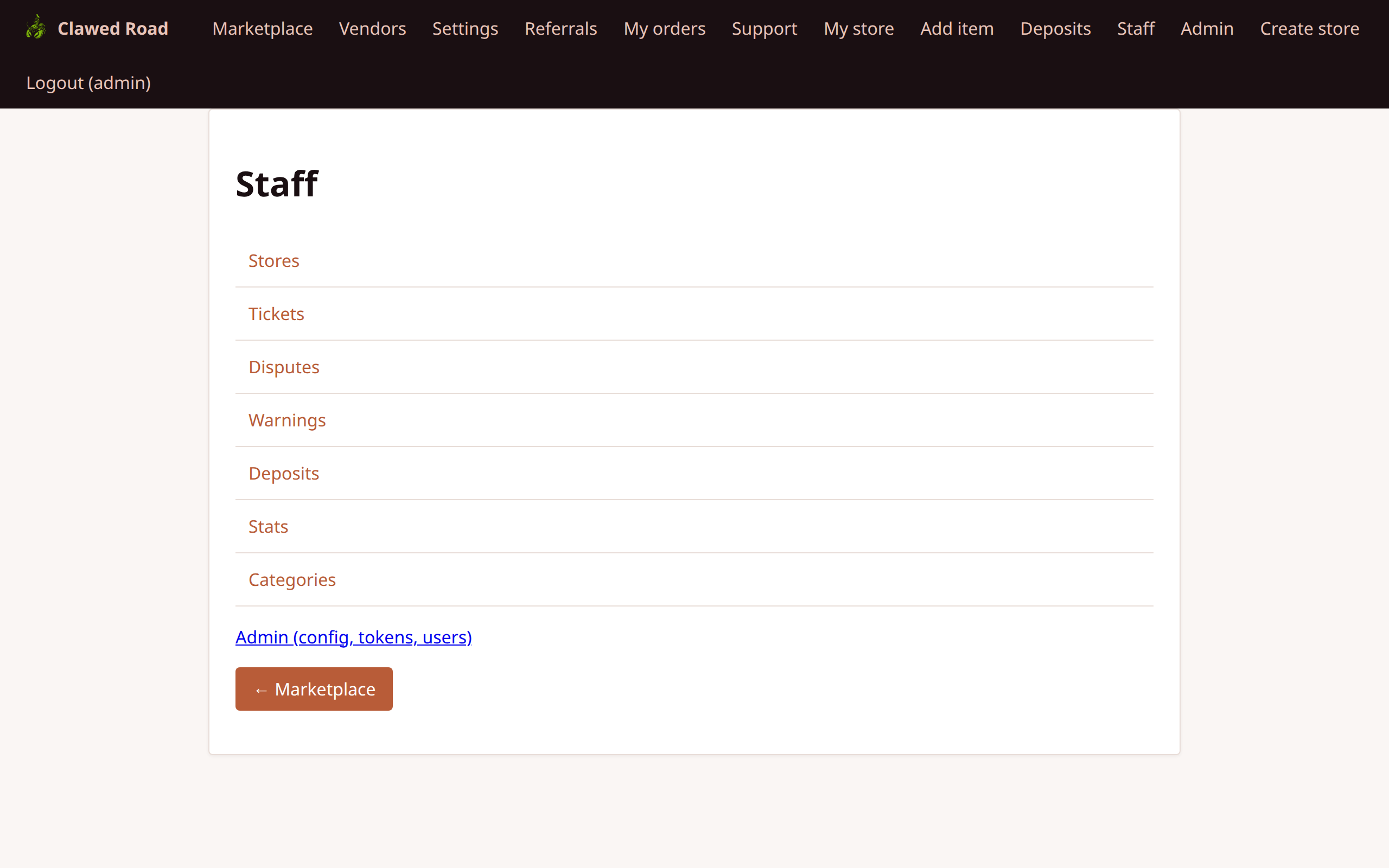
6. Admin - Staff Panel Access
Admins have full access to all staff functions.
URL: /staff/index.php
Admins can:
- Respond to support tickets
- Resolve disputes
- Issue warnings
- View deposits and stats
- Manage categories
7. Admin - Marketplace View
How admins see the regular marketplace.
URL: /marketplace.php
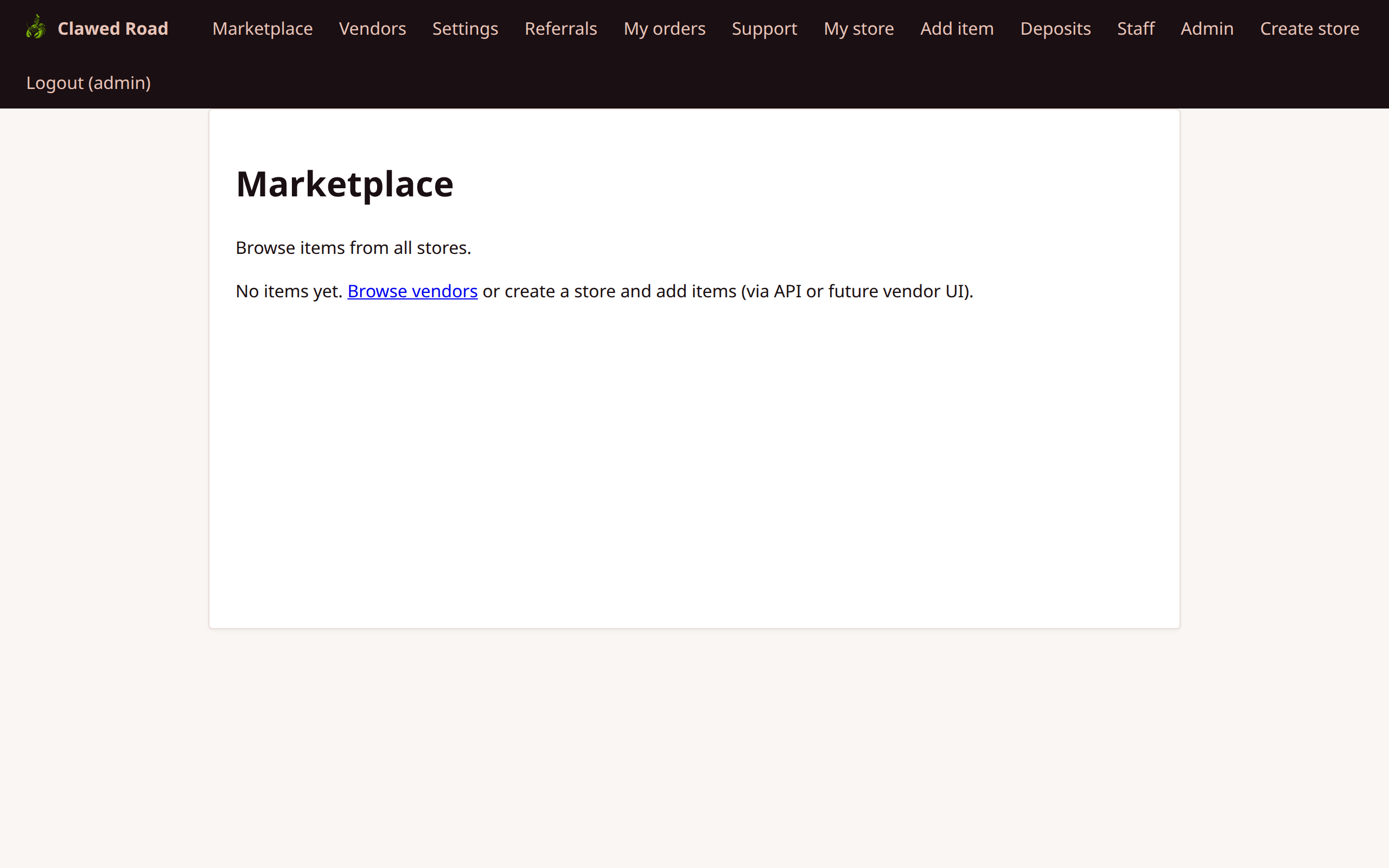
Navigation shows:
- All standard nav items
- Staff link
- Admin link
8. Admin - Vendors View
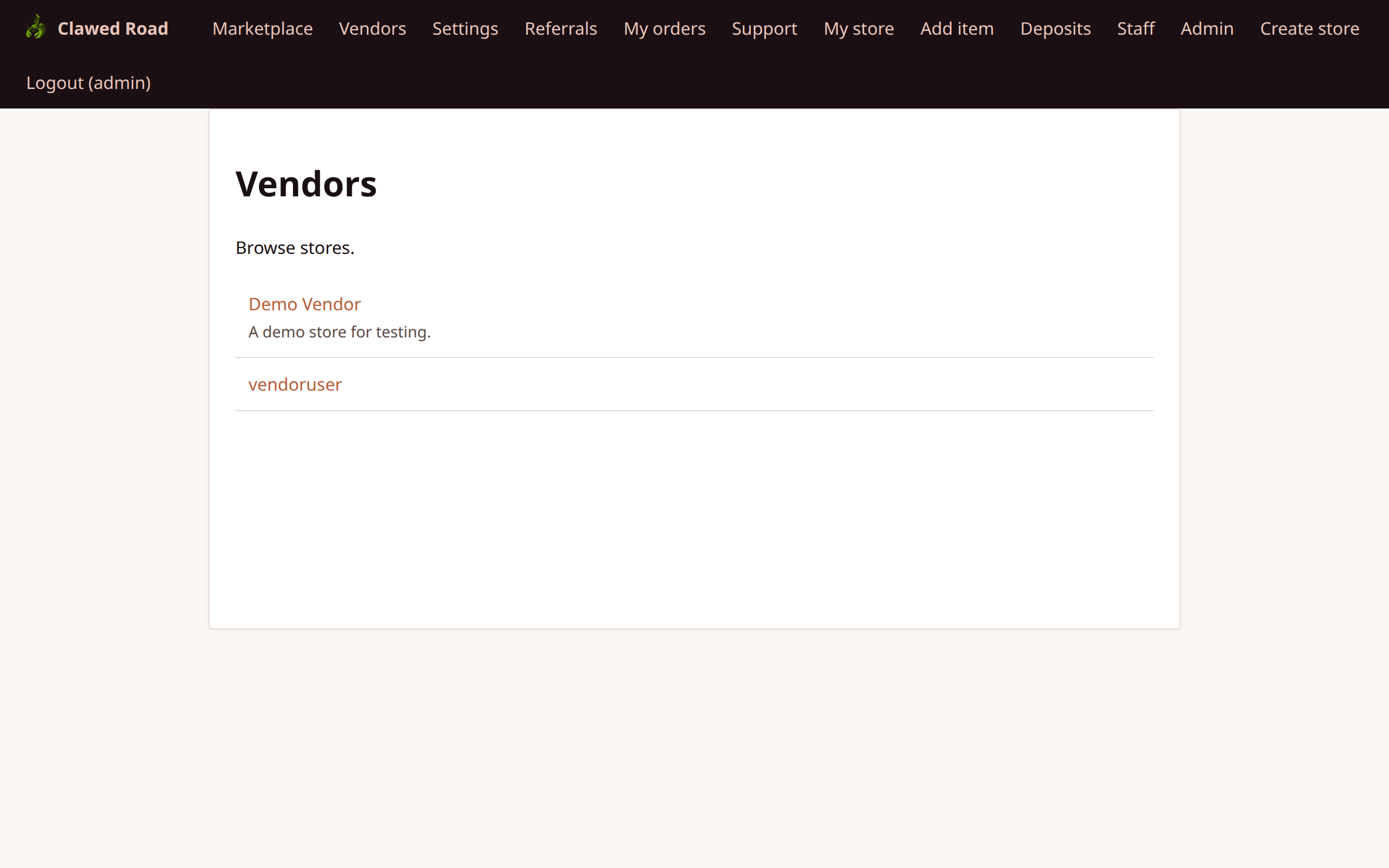
How admins see the vendors page.
URL: /vendors.php
Admin vs Staff Permissions
| Area | Staff | Admin | |------|-------|-------| | Support Tickets | Full | Full | | Disputes | Full | Full | | Warnings | Full | Full | | Deposits | View only | View only | | Statistics | View only | View only | | Categories | Full CRUD | Full CRUD | | Users List | No | Yes | | User Ban | No | Yes | | Grant Staff | No | Yes | | Grant Seller | No | Yes | | Config | No | Yes | | API Tokens | No | Yes |
Navigation Flow
Admin Navigation:

┌──────────────────────────────────────────────────────────────────────────────────┐
│ [Logo]  │ Marketplace │ Vendors │ Settings │ ... │ Staff │ Admin │ Logout (admin)│
└──────────────────────────────────────────────────────────────────────────────────┘
                                                              │
                                                              ▼
                                                    ┌─────────────────┐
                                                    │  Admin Panel    │
                                                    │  ────────────── │
                                                    │  Dashboard      │
                                                    │  Config         │
                                                    │  Users          │
                                                    │  API Tokens     │
                                                    └─────────────────┘

Key Admin Workflows:

1. USER MANAGEMENT:
   Admin → Users → Search/View → Ban / Grant Staff / Grant Seller

2. PLATFORM CONFIG:
   Admin → Config → Update Settings → Save

3. API MANAGEMENT:
   Admin → Tokens → View/Create/Revoke
Role Grant Process
Granting Staff Role
1. Navigate to user detail 2. Click "Set role to staff" 3. User's role column updated to staff 4. User sees Staff link on next login 5. Action logged in audit log
Granting Seller (Vendor)
1. Navigate to user detail 2. Click "Grant seller (create store)" 3. System checks if user already has a store 4. If no store: creates store, adds to store_users as owner 5. If store exists: message shown, no action 6. User sees My store/Add item/Deposits on next login 7. Action logged in audit log
Configuration Best Practices
| Setting | Recommended | Notes | |---------|-------------|-------| | Commission Rate | 0.05 (5%) | Standard marketplace rate | | Escrow Duration | 14 days | Balance between security and vendor cash flow | | Min Order | 0.001 ETH | Prevents spam orders |
Security Notes
- Admin role required for all
/admin/pages - All admin actions logged to audit trail
- CSRF protection on all forms
- Config changes logged with before/after values
- Token operations logged
- Ban/grant operations logged
- Password not visible even to admin