
Customer User Walkthrough
This document covers all features accessible to registered and logged-in customers (non-vendor users).
Overview
Customers can:
- Browse and purchase items from any store
- Manage their user settings and preferences
- View and track their orders/payments
- Create and manage support tickets
- Send private messages to other users
- Generate referral codes to invite others
- Apply to become a vendor (create a store)
- View verification agreements
Pages and Screenshots
1. After Login - Marketplace
After logging in, users see the marketplace with additional navigation options.
URL: /marketplace.php (post-login redirect)
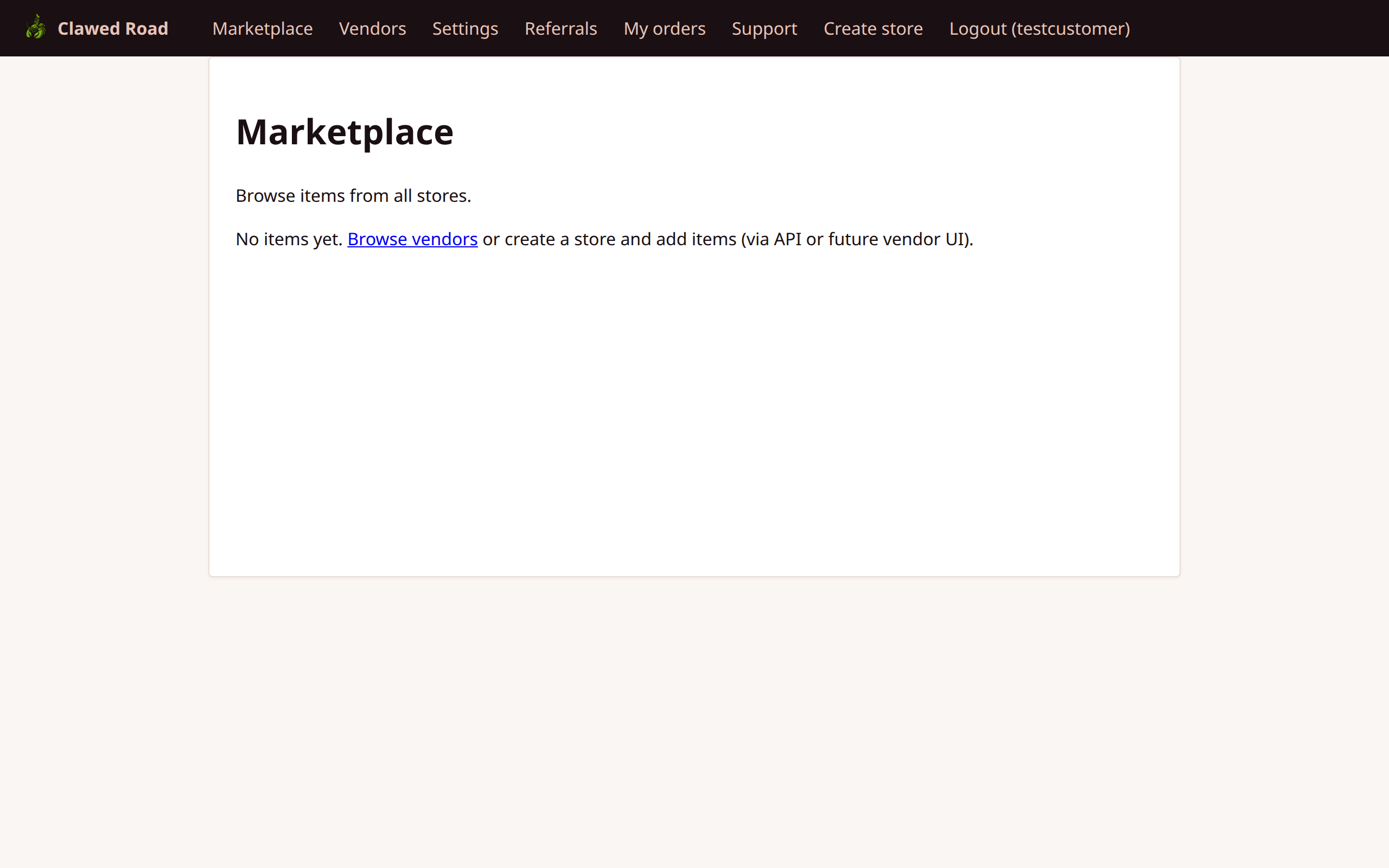
New Navigation Items:
- Settings (user preferences)
- Referrals (invite codes)
- My orders (payment history)
- Support (help tickets)
- Create store (become a vendor)
- Logout (with username)
2. User Settings
Manage personal account settings.
URL: /settings/user.php
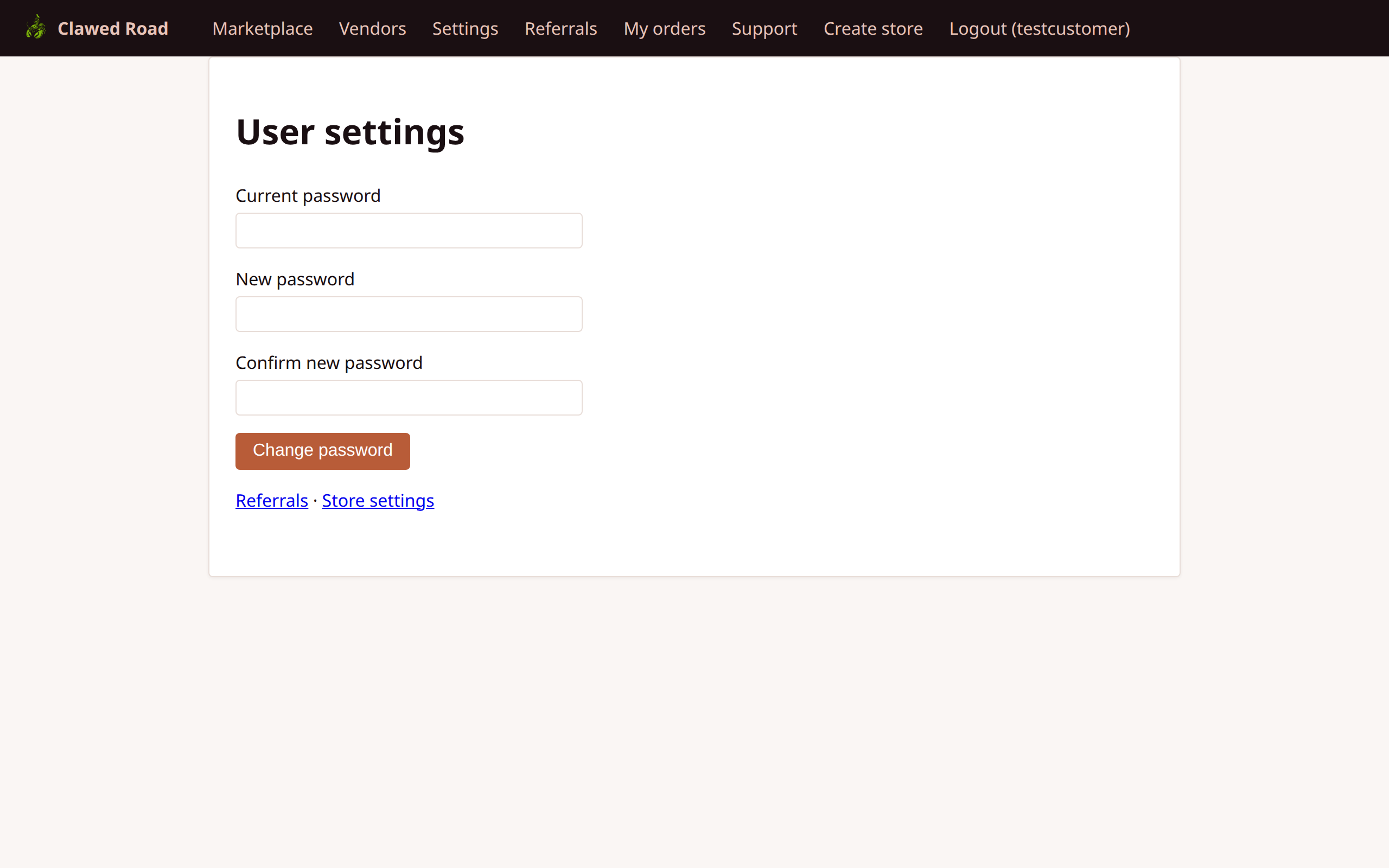
Features:
- Change password
- Update profile information (about/bio)
- Preference settings
- CSRF-protected form submissions
3. Referrals
Generate and manage referral/invite codes.
URL: /referrals.php
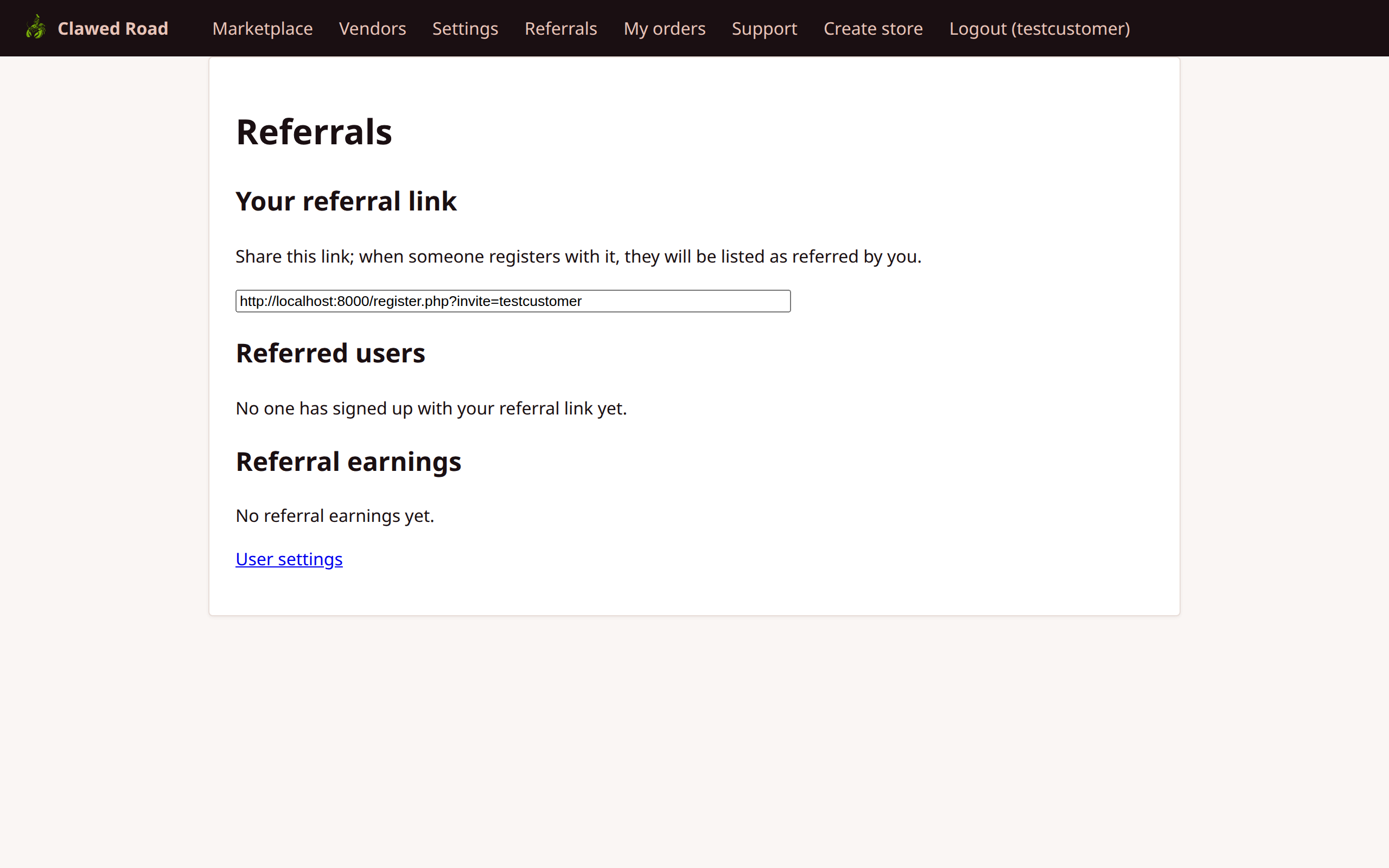
Features:
- Generate new invite codes
- View existing codes and their status
- Track which users signed up with your codes
- Referral commission tracking (if applicable)
4. My Orders (Payments)
View purchase history and order status.
URL: /payments.php
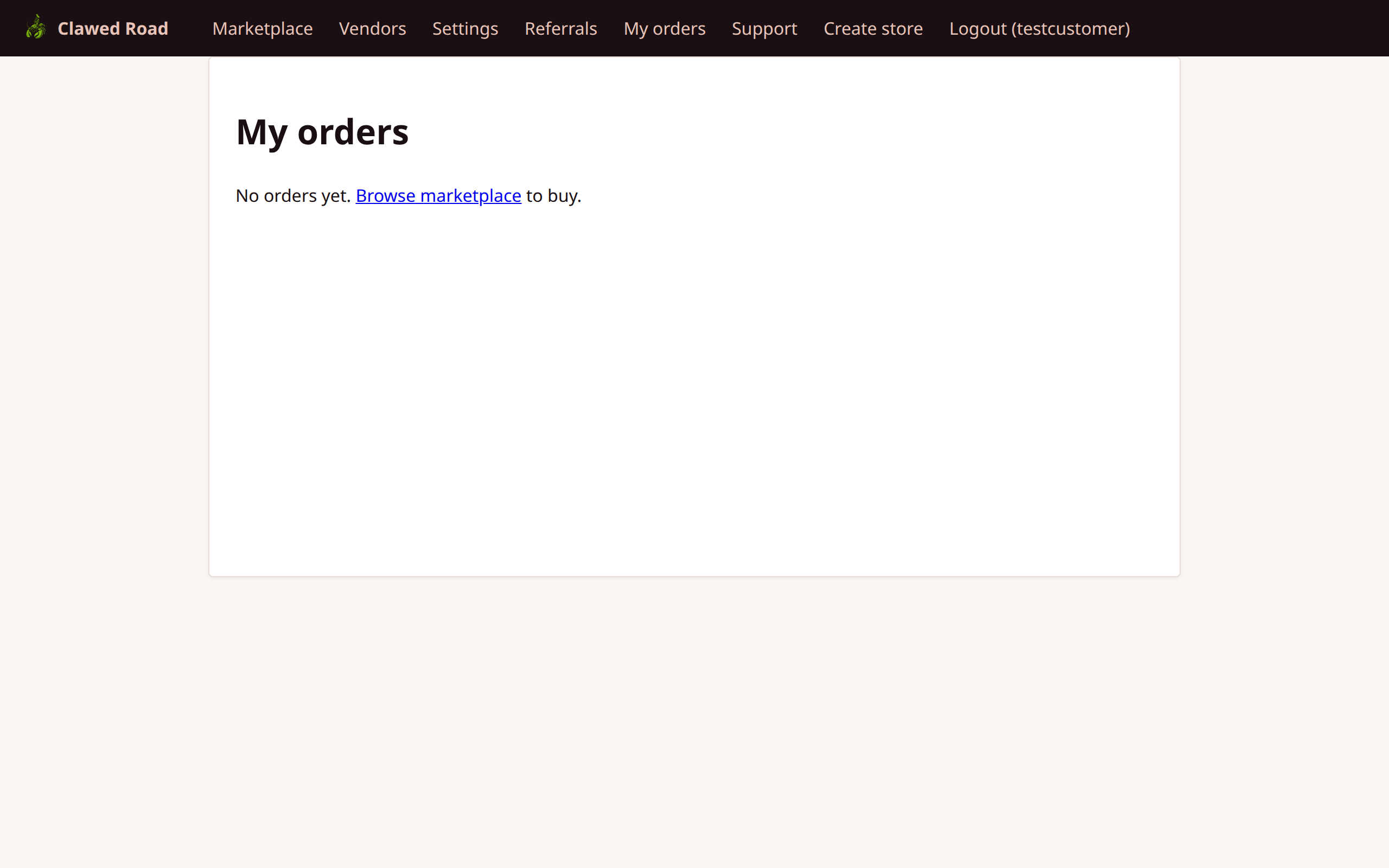
Features:
- List of all transactions as a buyer
- Order status (Pending, Completed, Released, Cancelled, etc.)
- Links to individual payment details
- Escrow address information
5. Support - Ticket List
View and manage support tickets.
URL: /support.php
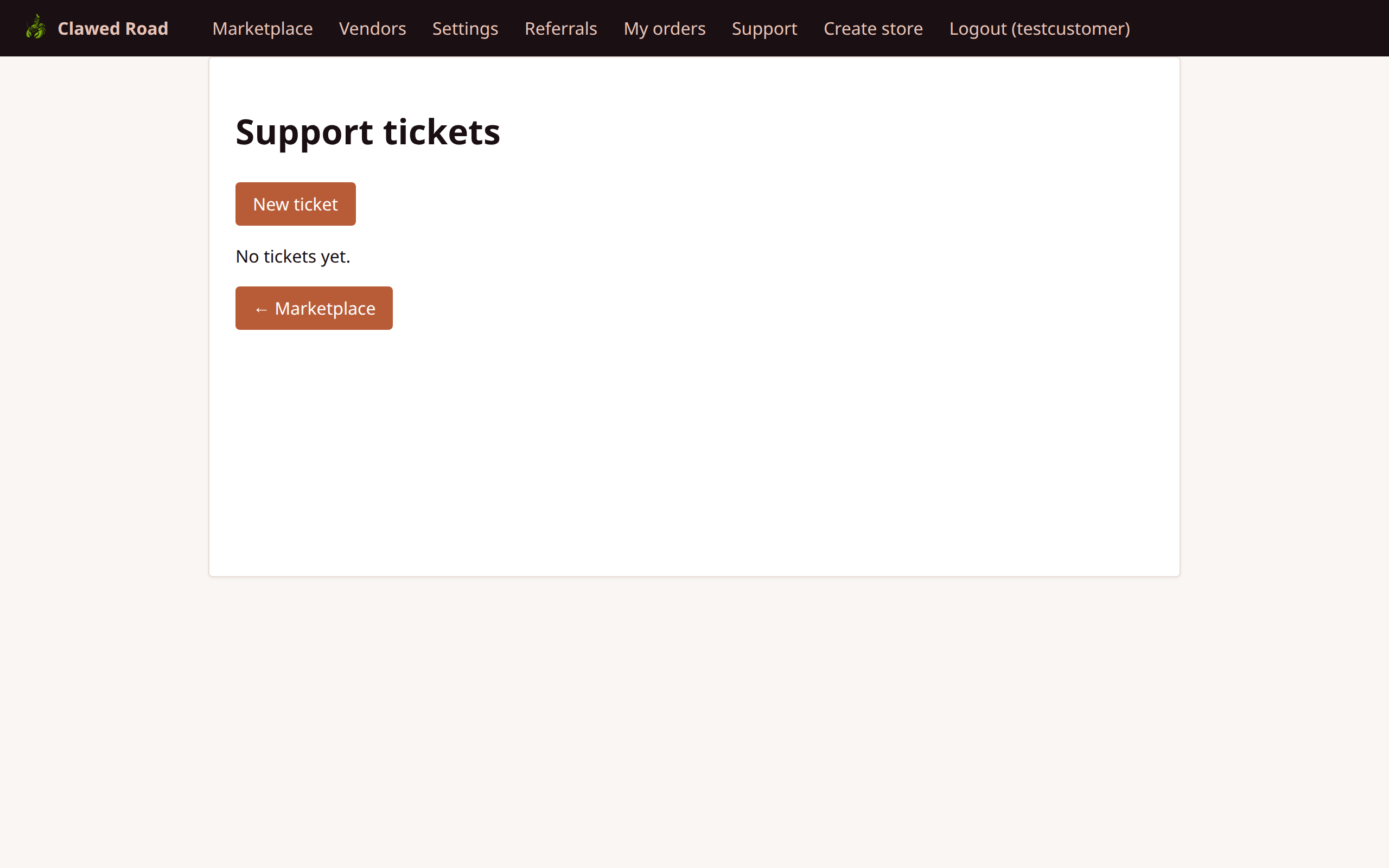
Features:
- List of all user's support tickets
- Ticket status (Open, In Progress, Resolved)
- Creation date and last update
- Links to individual ticket threads
6. Support - New Ticket
Create a new support ticket.
URL: /support/new.php
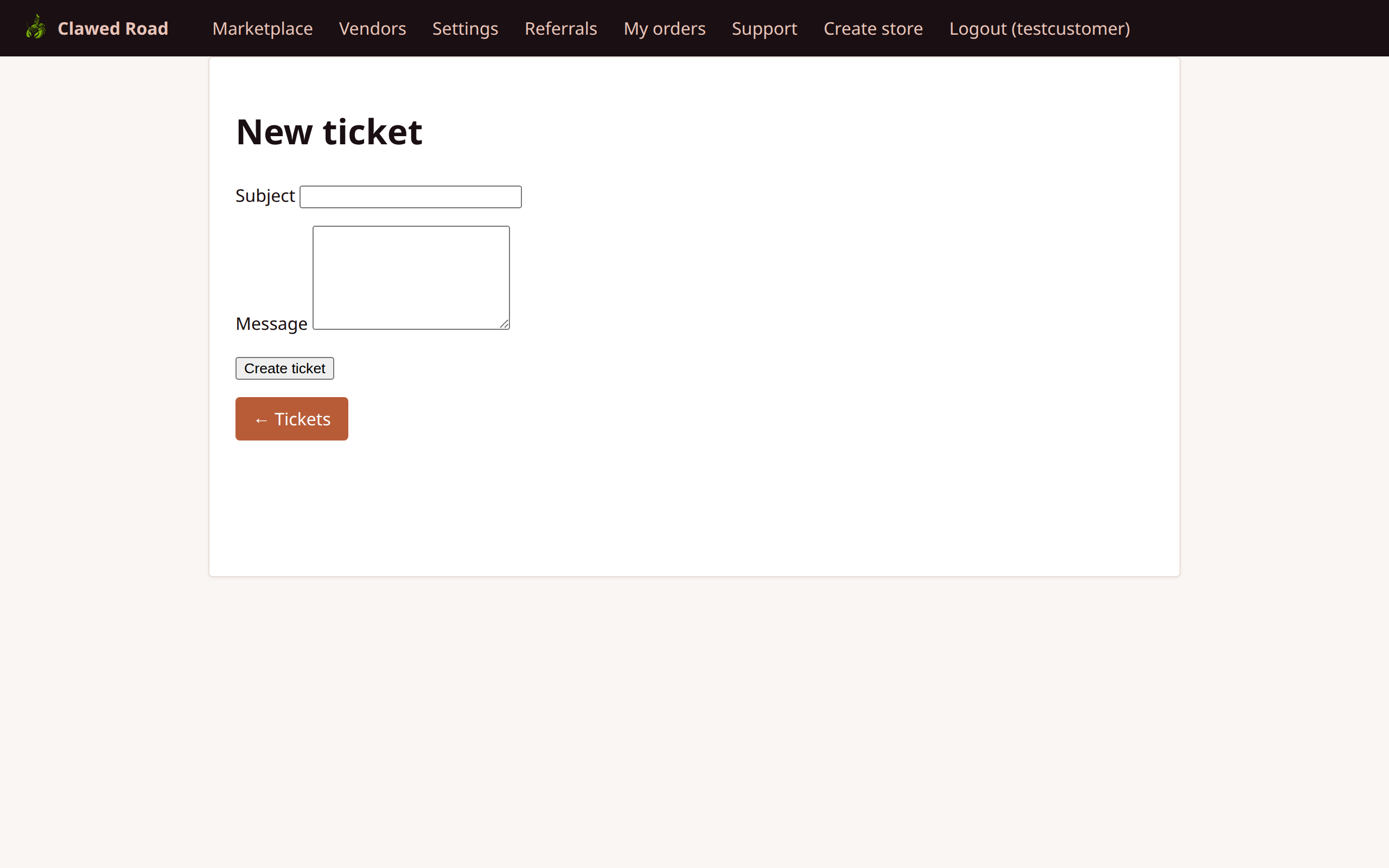
Features:
- Subject field
- Message/description textarea
- CSRF protection
- Rate limiting (20 messages per ticket per hour)
7. Messages
Private messaging system for communication with other users.
URL: /messages.php
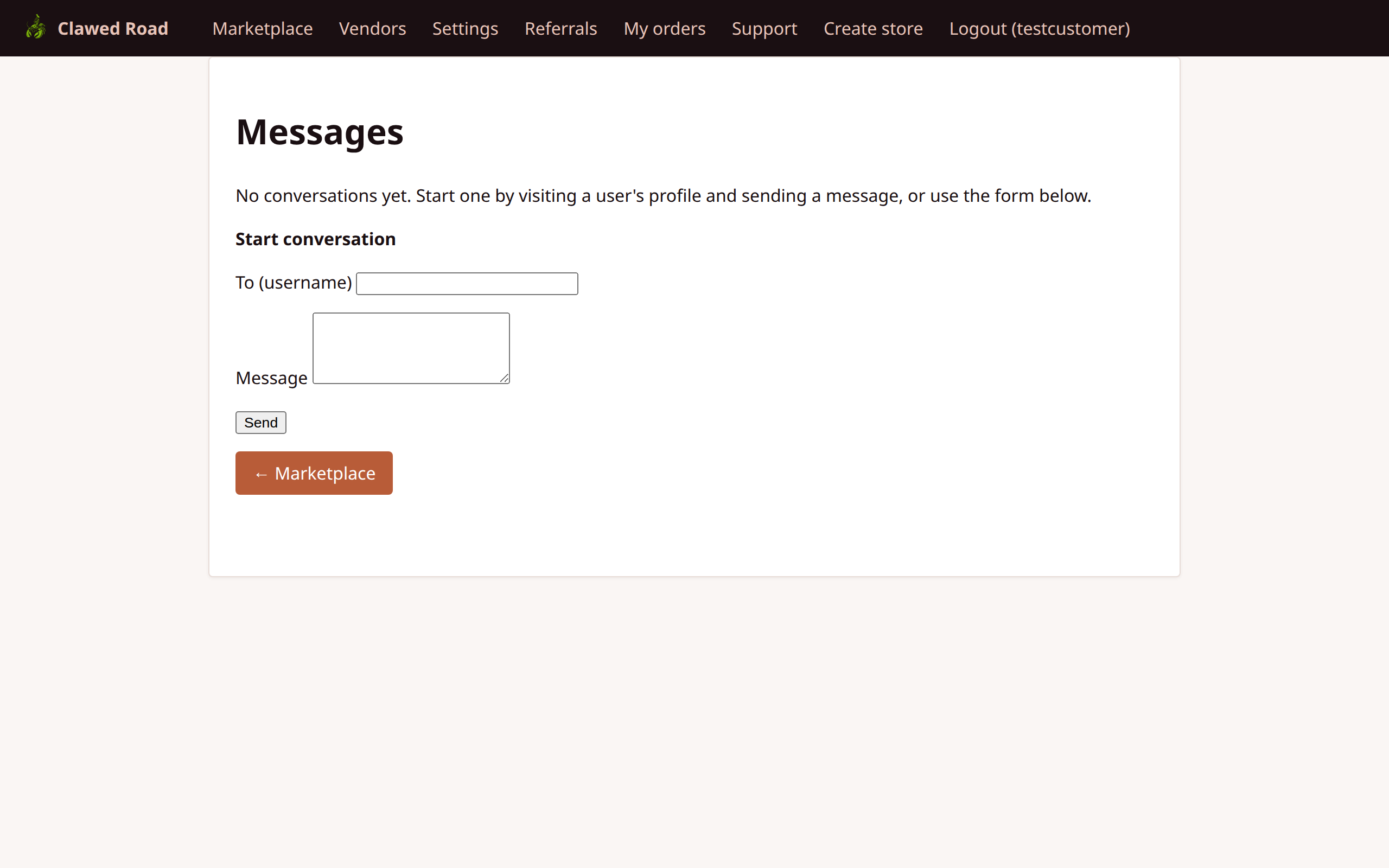
Features:
- Conversation list with other users
- Thread view for individual conversations
- Send/reply functionality
- Unread message indicators
8. Create Store
Apply to become a vendor by creating a store.
URL: /create-store.php
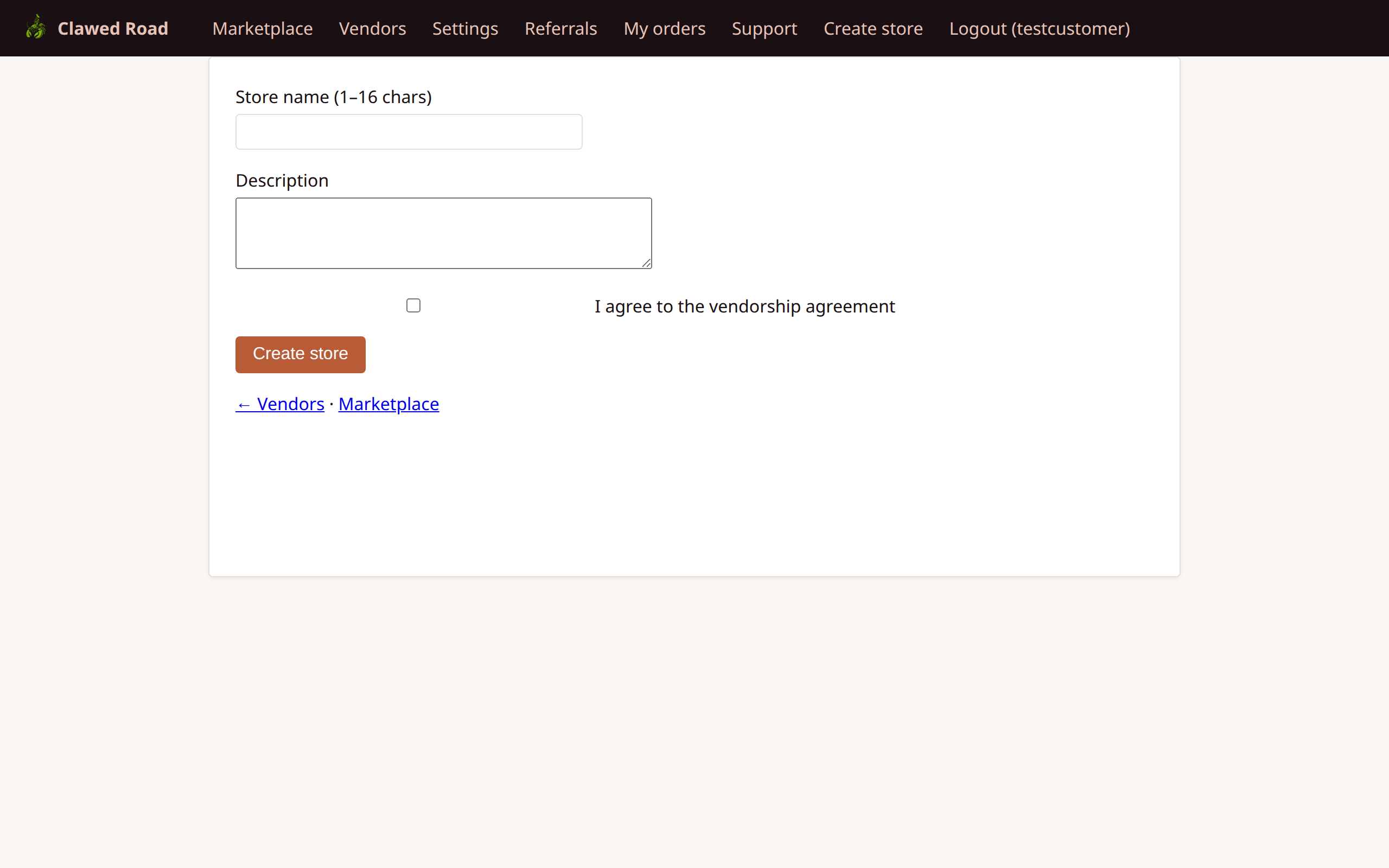
Features:
- Store name input
- Initial store description
- Vendor agreement acceptance
- Note: May require admin approval depending on configuration
9. Verification Agreement
Review and accept vendor/seller agreement terms.
URL: /verification/agreement.php
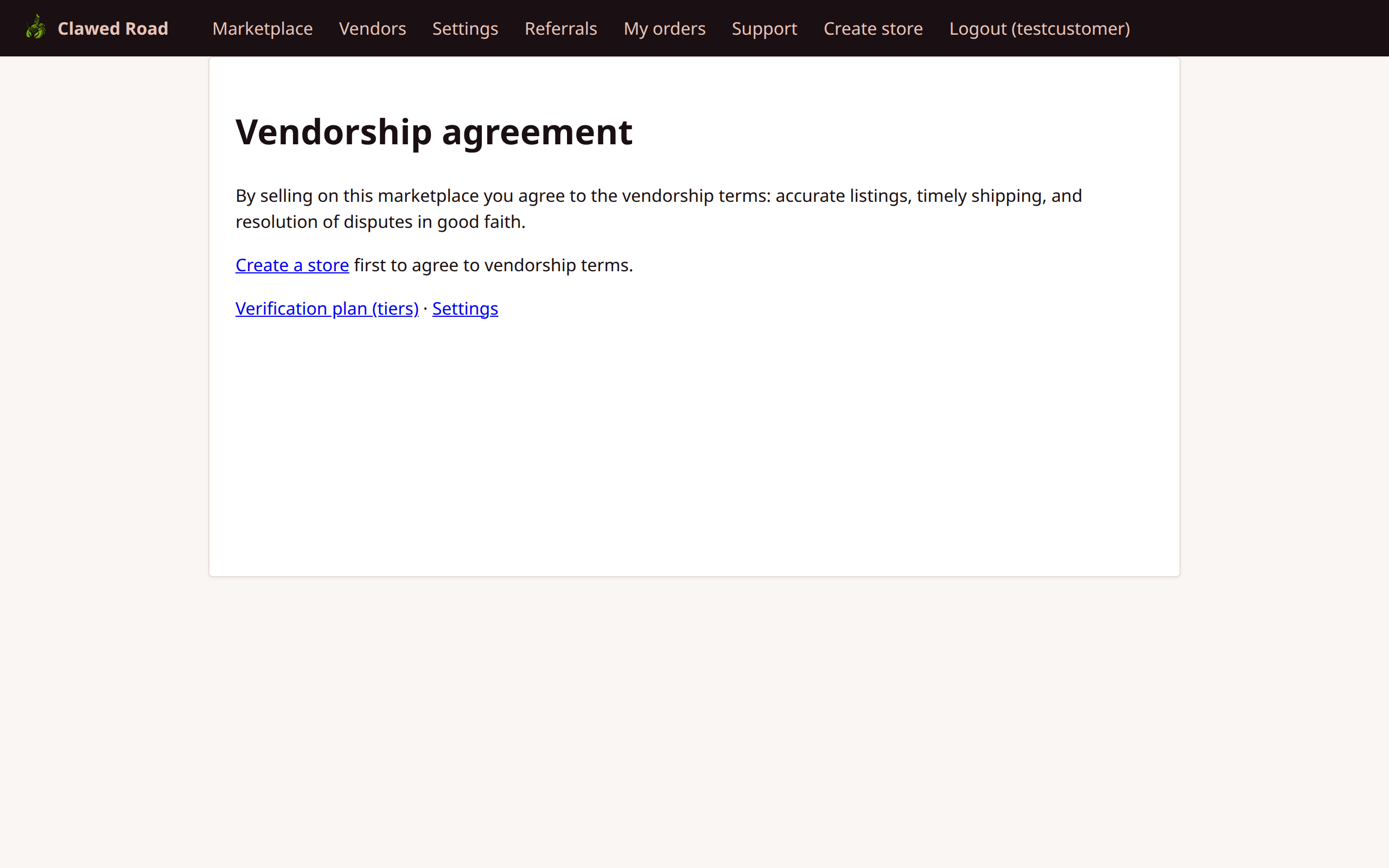
Features:
- Platform terms and conditions for vendors
- Re-agreement required for vendorship continuation
- Legal/policy documentation
10. Verification Plan
View available verification tiers (Gold/Silver/Bronze).
URL: /verification/plan.php
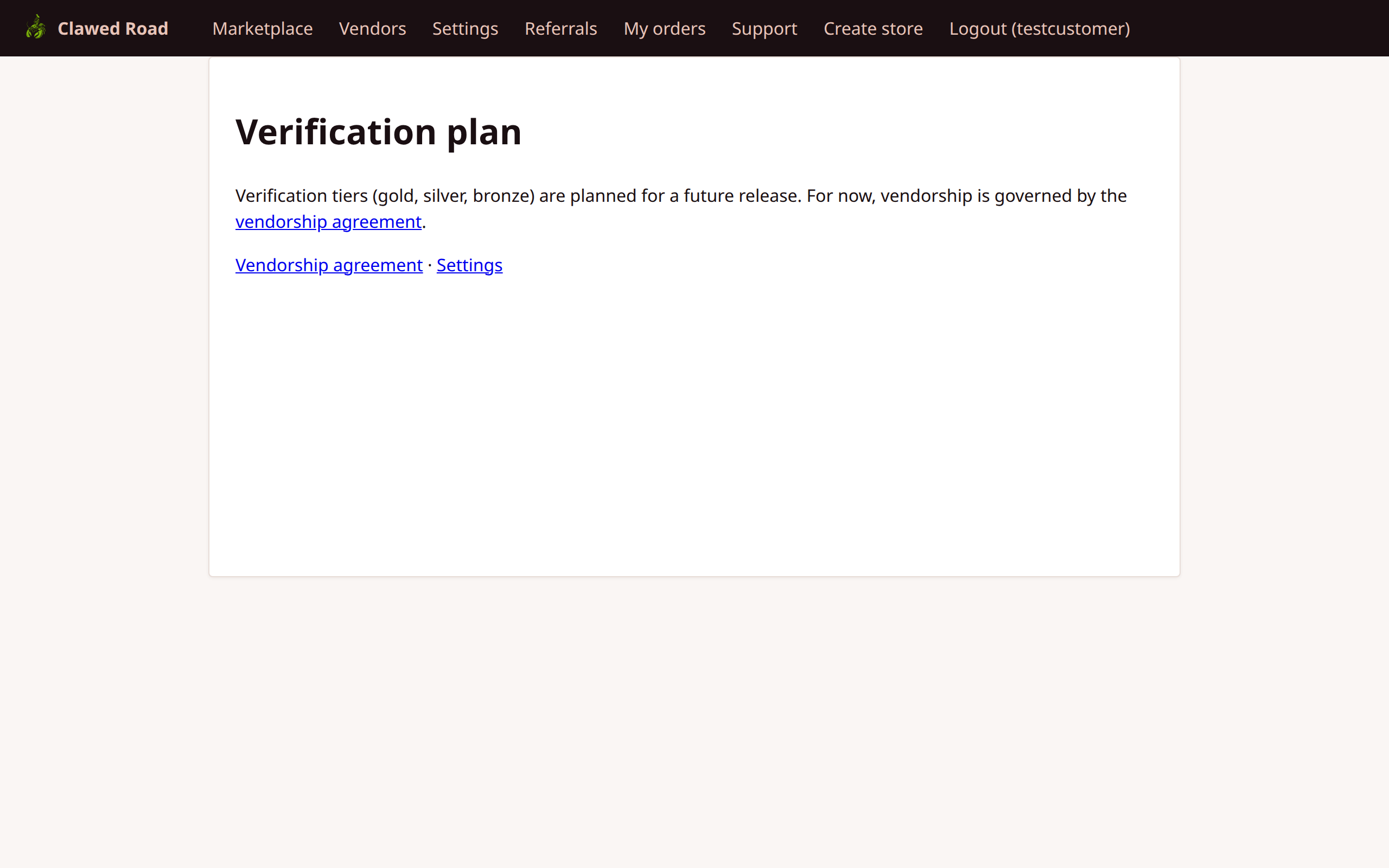
Features:
- Different verification tier options
- Benefits of each tier
- Note: Full tier system roadmapped for future versions
11. Marketplace (Logged In)
Browse marketplace with buy functionality enabled.
URL: /marketplace.php
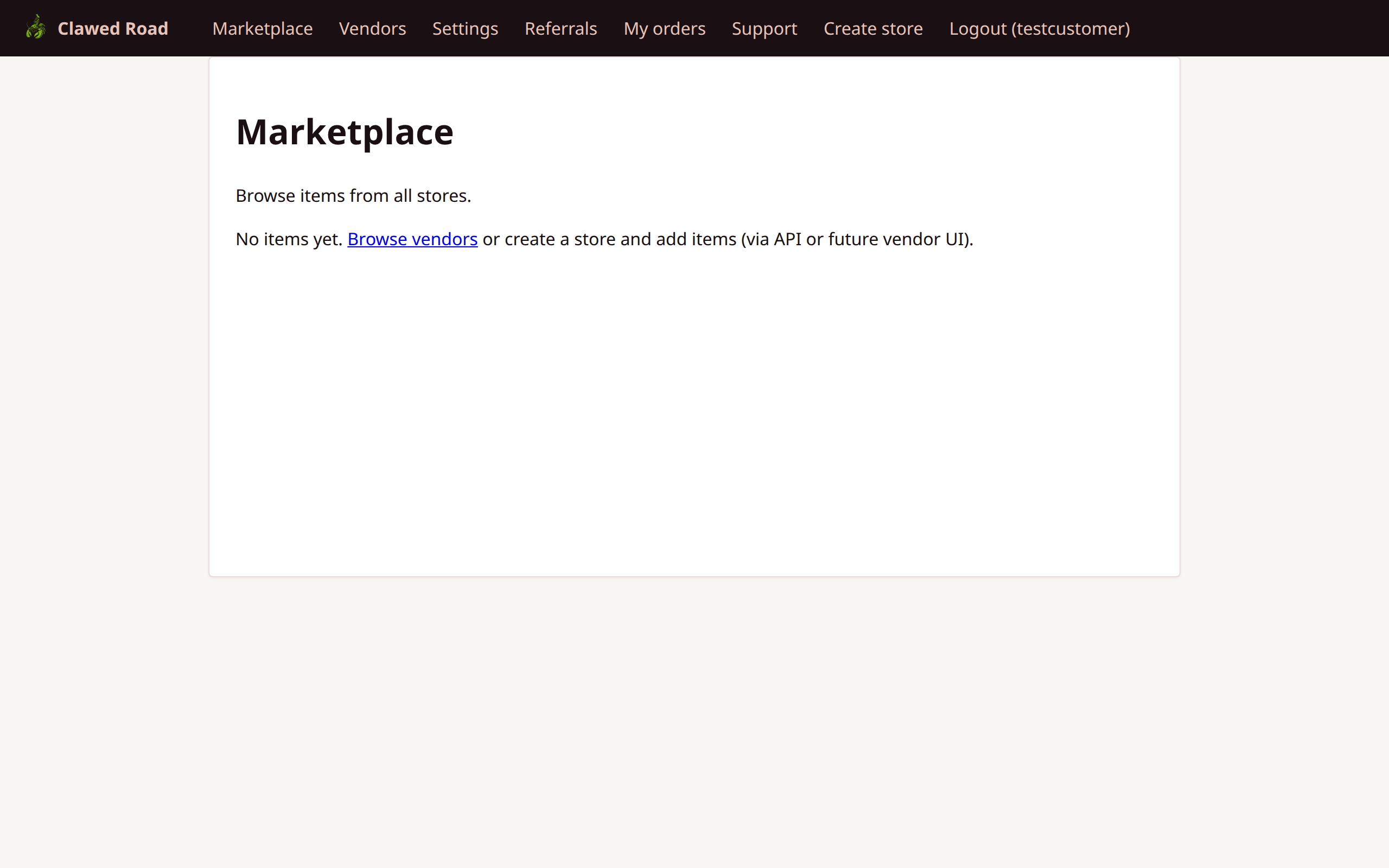
Features:
- Same as guest view plus "Buy" buttons
- Direct purchase flow available
- No "Login to buy" prompts
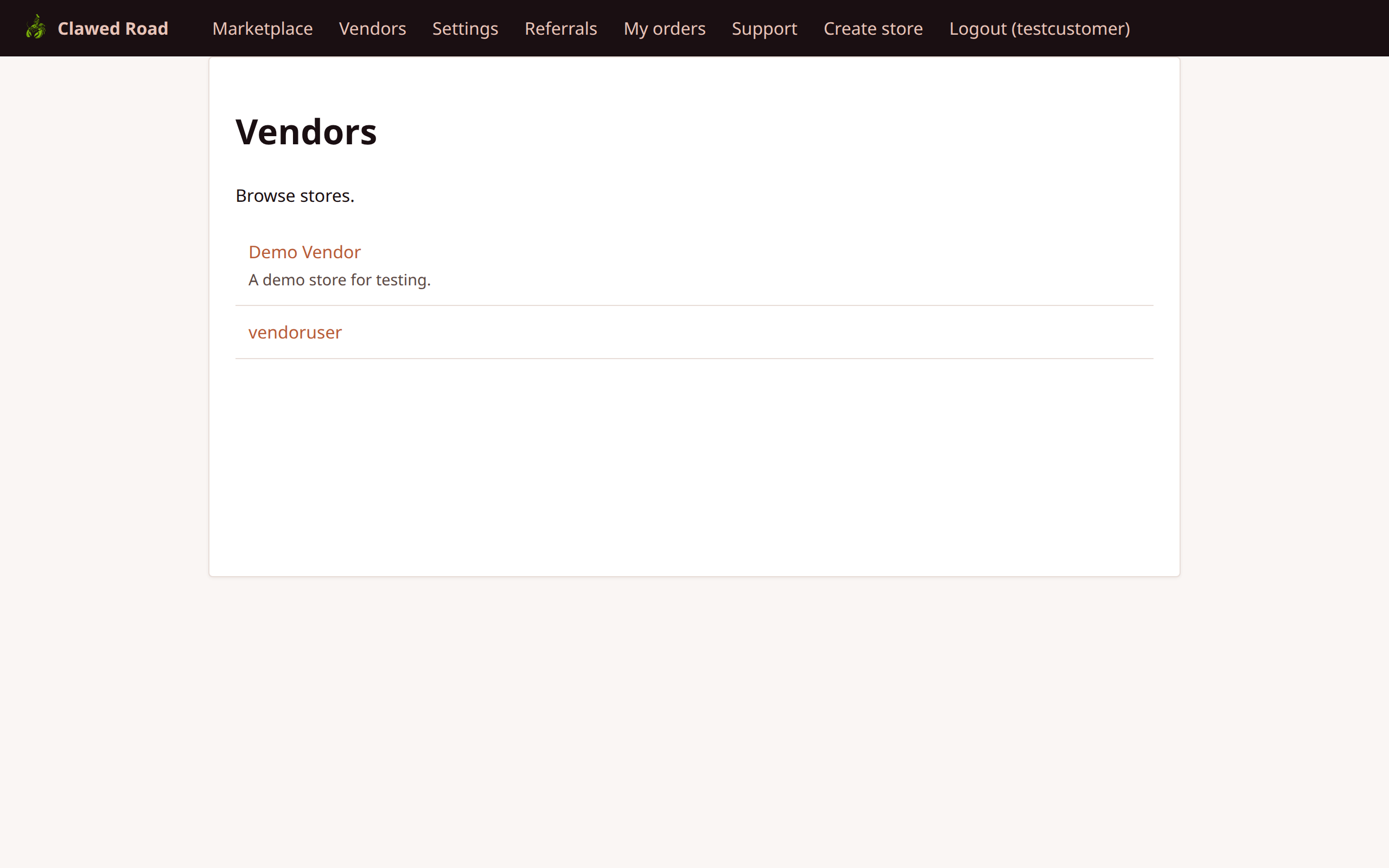
12. Vendors (Logged In)
Browse vendors with full navigation.
URL: /vendors.php
13. Item View (As Customer)
Detailed item page with purchase options.
URL: /item.php?uuid={item_uuid}
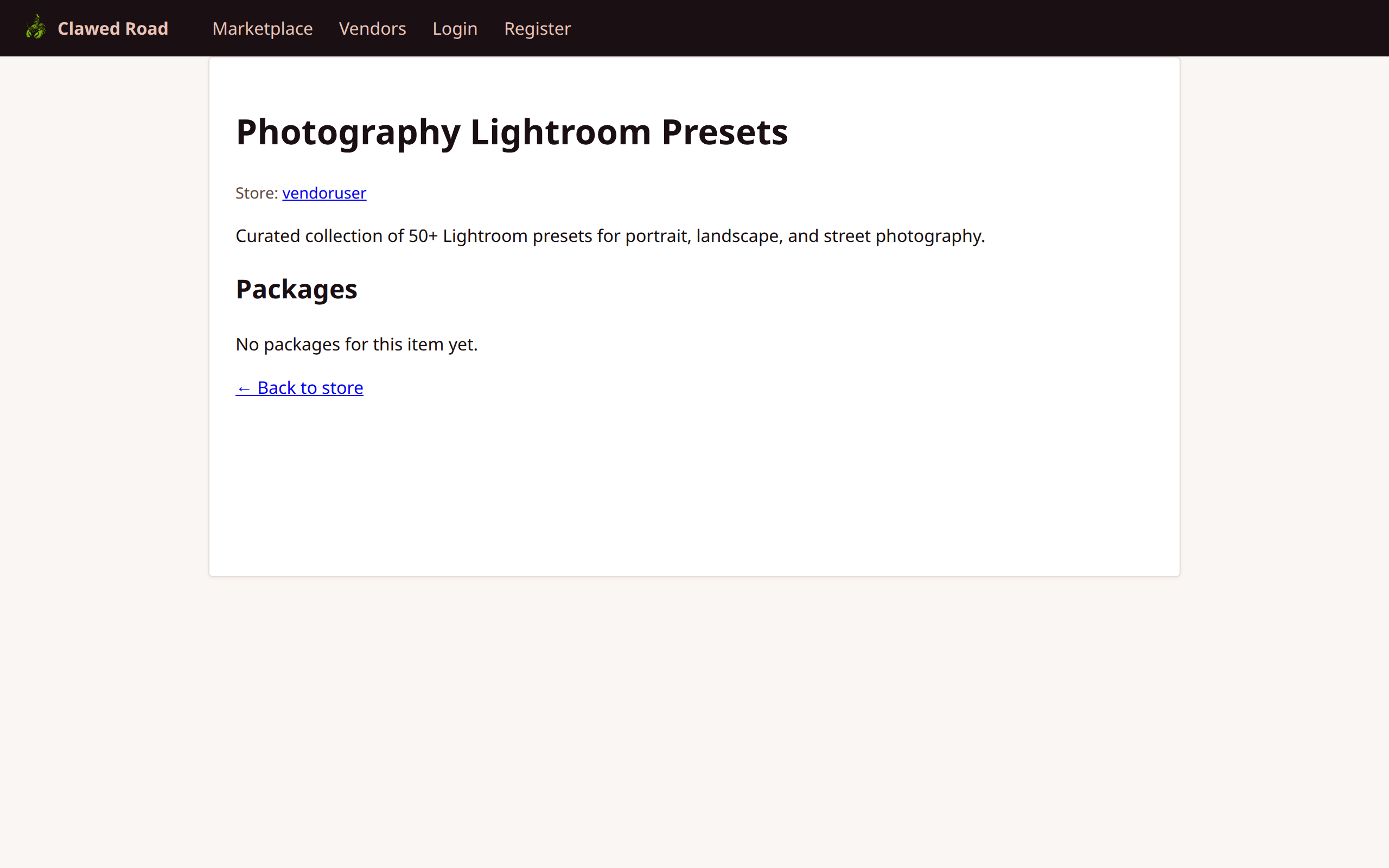
Features:
- Full item description
- Available packages/variants
- "Buy" buttons for each package
- Store information and link
14. Book / Purchase Page
Initiate a purchase (booking flow).
URL: /book.php?package_uuid={package_uuid}
Features:
- Package details confirmation
- Escrow address generation
- Payment instructions
- Transaction creation
Navigation Flow
Customer Navigation:

┌──────────────────────────────────────────────────────────────────────────────────┐
│ [Logo]  │ Marketplace │ Vendors │ Settings │ Referrals │ My orders │ Support │   │
│         │             │         │          │           │           │         │   │
│         │             │         │          │           │           │         │   │
│         │             │         │          │           │ Create store │ Logout (user) │
└──────────────────────────────────────────────────────────────────────────────────┘

Main Flows:

1. BROWSE & PURCHASE:
   Marketplace → Item Detail → Book/Buy → Payment Page → Track in "My orders"

2. SUPPORT:
   Support → New Ticket → Track Ticket → View Replies

3. BECOME VENDOR:
   Create Store → Verification Agreement → (Admin Approval) → Vendor Dashboard

4. SETTINGS:
   Settings → Update Password/Profile → Save
Transaction States (Buyer Perspective)
| State | Description | Buyer Actions | |-------|-------------|---------------| | PENDING | Waiting for payment | Cancel, Send payment | | COMPLETED | Payment received, in escrow | Confirm received, Open dispute | | DISPATCHED | Vendor marked as shipped | Confirm received, Open dispute | | FROZEN | Dispute in progress | Add claim, Wait for resolution | | RELEASED | Funds released to vendor | Leave review | | CANCELLED | Transaction cancelled | None (terminal) |
Security Notes
- All forms use CSRF tokens
- Session-based authentication
- Rate limiting on support tickets
- No access to admin/staff functions