
Staff User Walkthrough
This document covers all features accessible to staff members (users with role = 'staff').
Overview
Staff members have moderation capabilities to maintain platform health:
- View and respond to support tickets
- Manage disputes and resolutions
- Issue and manage store warnings
- View platform deposits and transactions
- Access platform statistics
- Manage item categories
Staff Panel Access
All staff pages are under /staff/. Staff members see a "Staff" link in the navigation bar.
Access Requirements:
- User must have
role = 'staff'orrole = 'admin' - Session authentication required
Pages and Screenshots
1. Staff Dashboard
Main staff panel overview.
URL: /staff/index.php
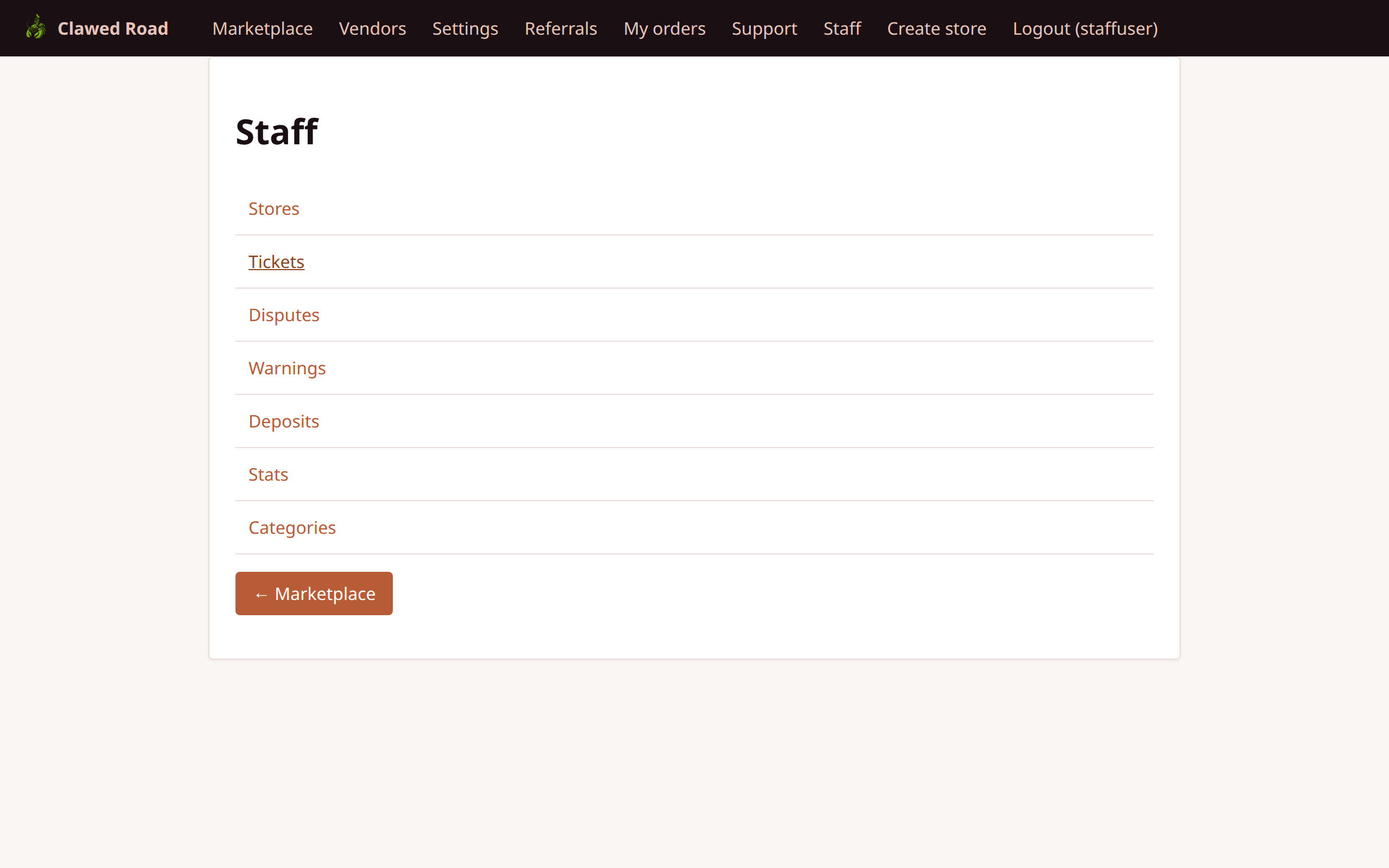
Features:
- Quick stats overview
- Links to all staff sections
- Recent activity summary
- Pending items count
2. Staff - Stores
View and manage all stores on the platform.
URL: /staff/stores.php
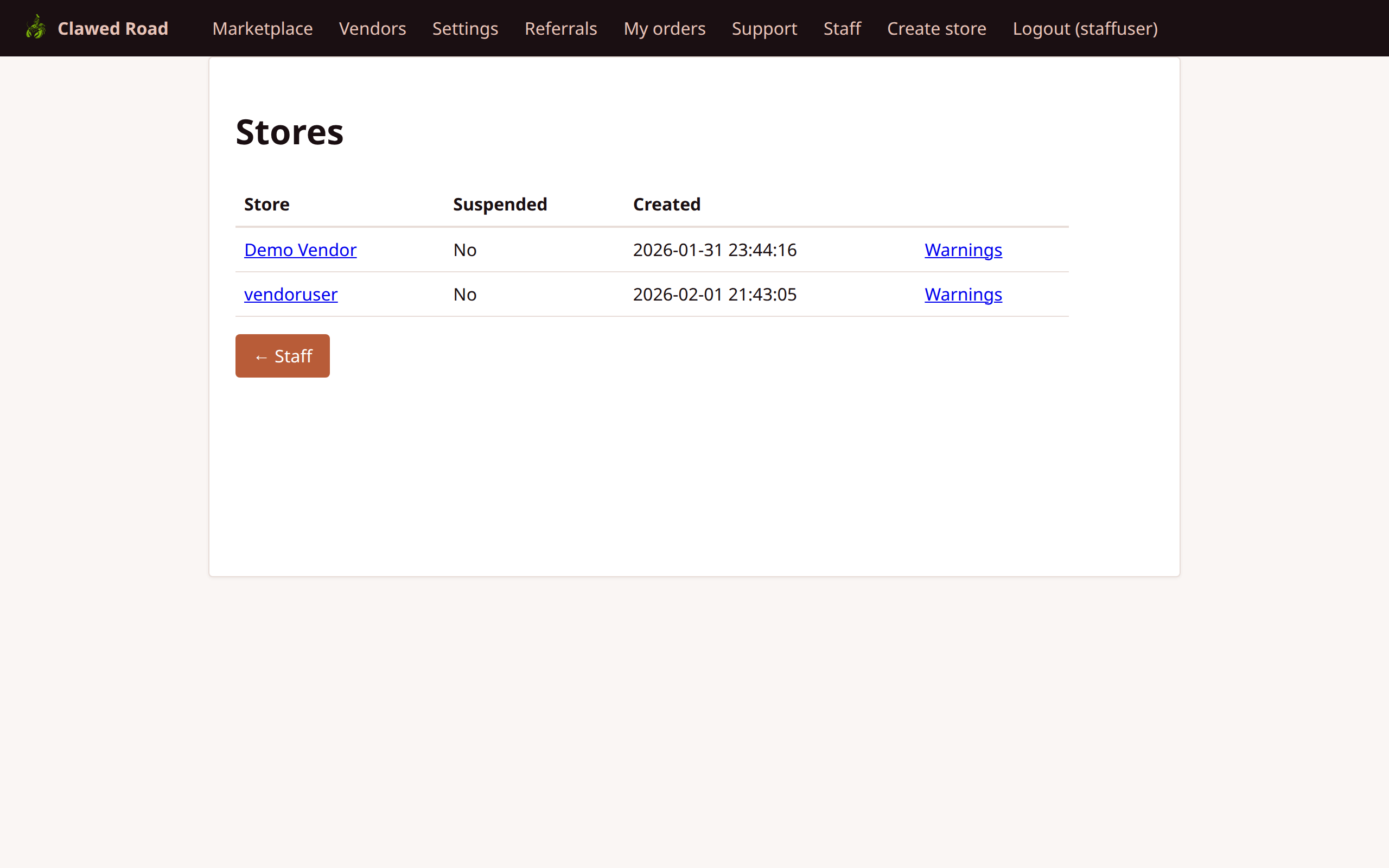
Features:
- List of all stores
- Store status (active/inactive)
- Store owner information
- Links to store detail pages
- Option to issue warnings
3. Staff - Support Tickets
View and respond to all support tickets.
URL: /staff/tickets.php
Features:
- All tickets across all users
- Ticket status (Open, In Progress, Resolved)
- Priority indicators
- Assigned staff member
- Links to ticket threads
4. Staff - Disputes
Manage transaction disputes.
URL: /staff/disputes.php
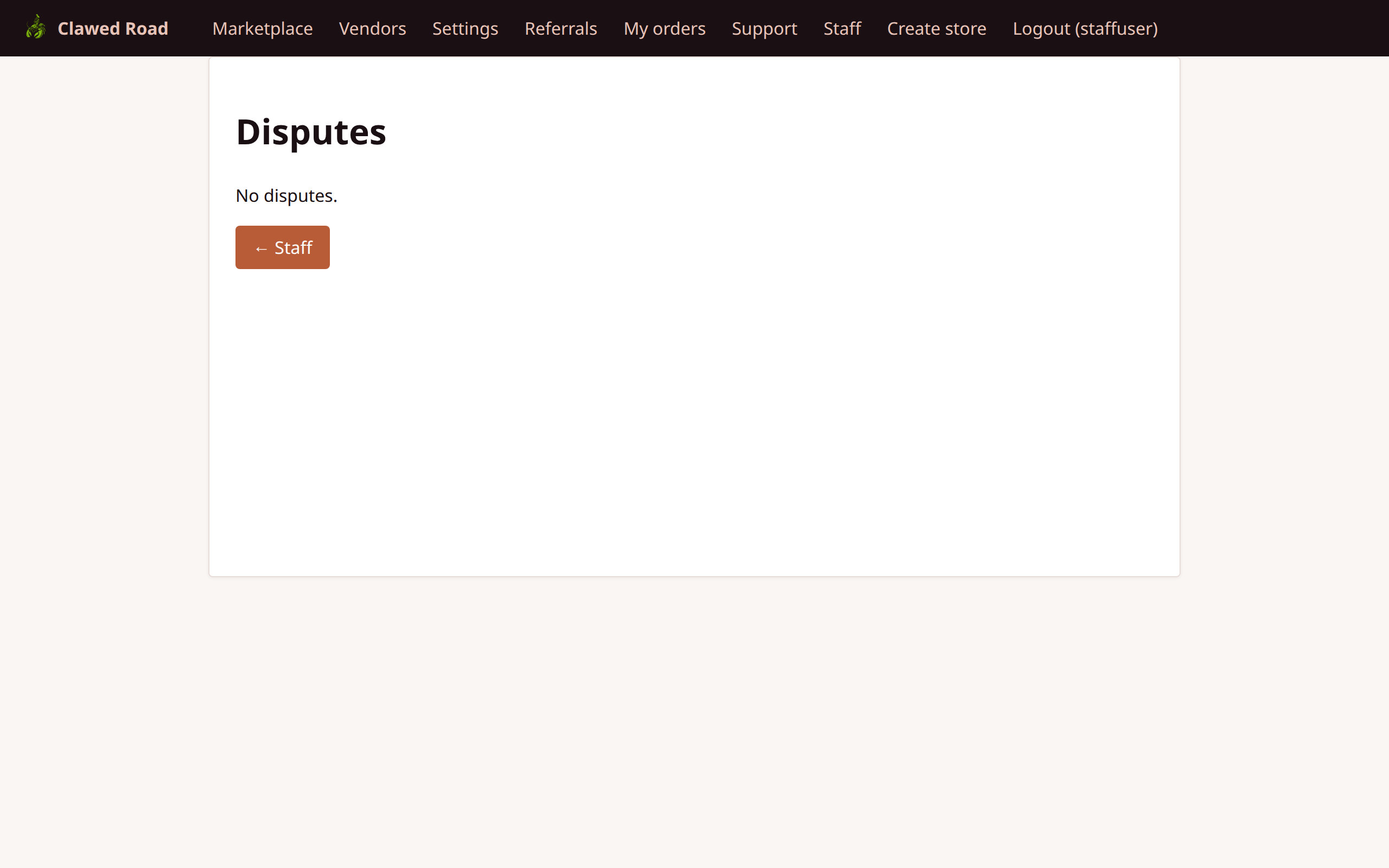
Features:
- List of all disputes
- Dispute status (Open, Resolved)
- Linked transaction information
- Buyer and seller details
- Resolution actions
- View dispute details
- Read claims from both parties
- Resolve dispute (full refund to buyer)
- Issue partial refund
- Close dispute in vendor's favor
5. Staff - Warnings
Issue and manage store/vendor warnings.
URL: /staff/warnings.php
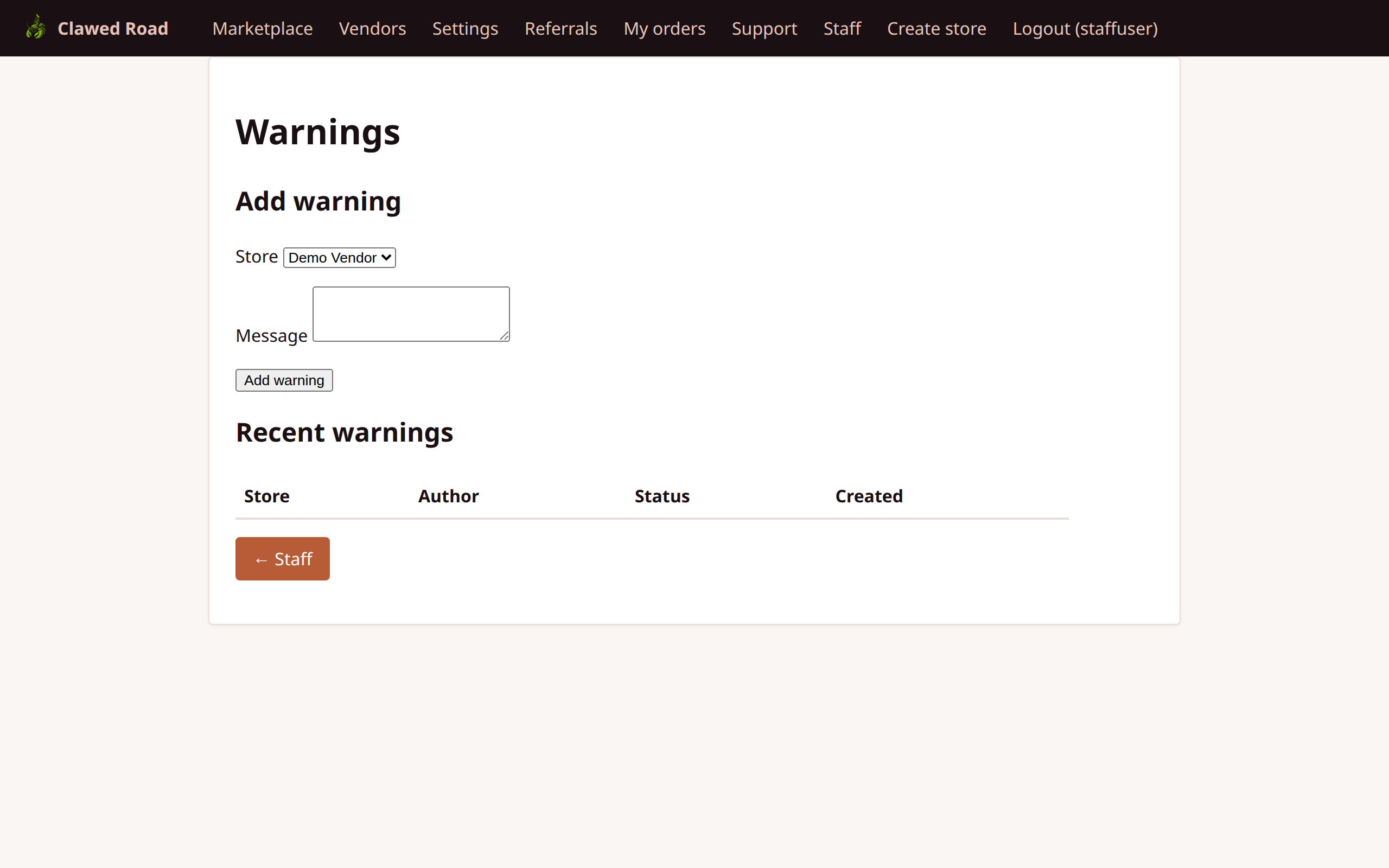
Features:
- List of all issued warnings
- Warning status (Active, Acknowledged, Resolved)
- Target store information
- Warning reason/description
- Create new warning
- Resolve/close warnings
6. Staff - Deposits
View platform deposit transactions.
URL: /staff/deposits.php
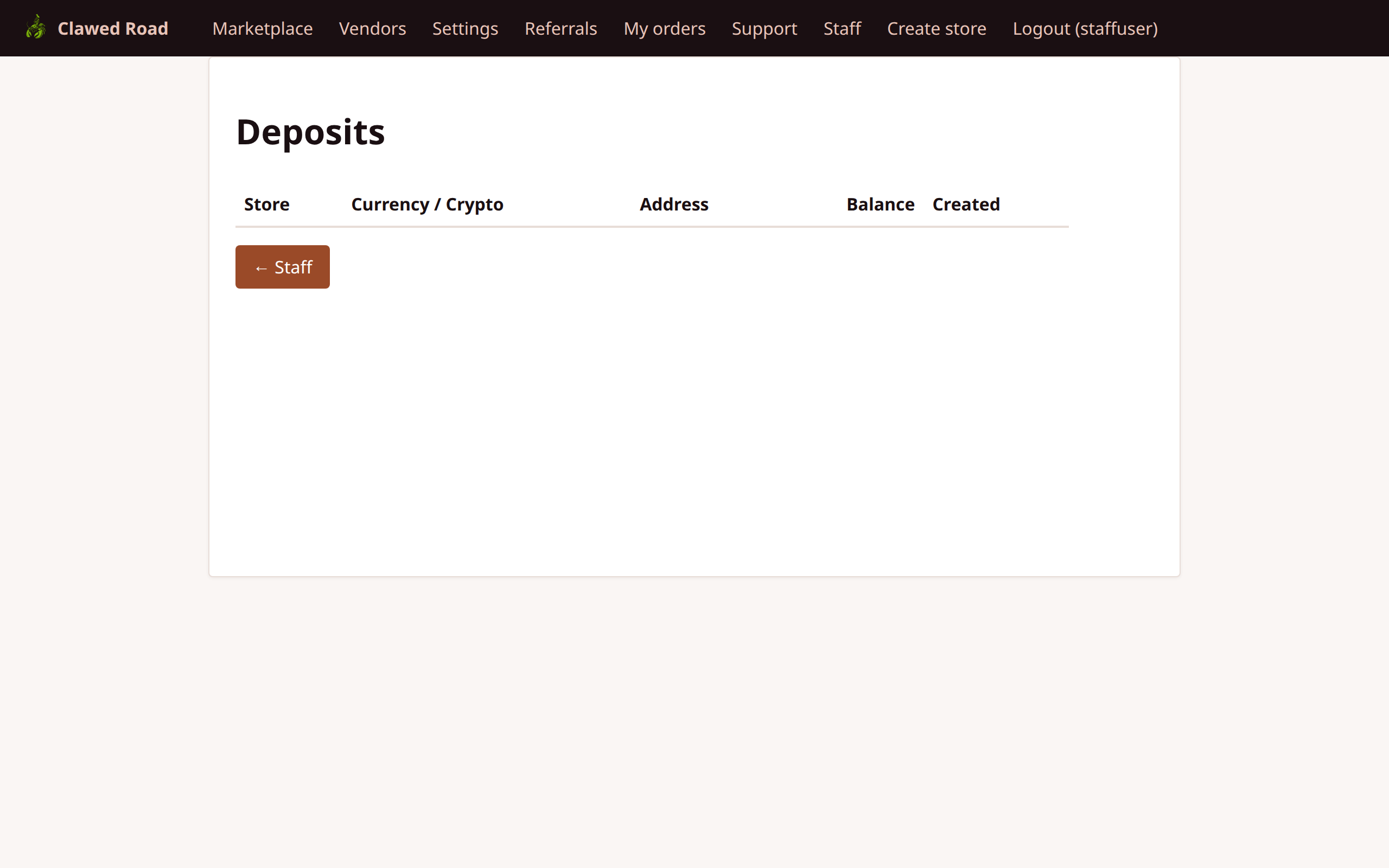
Features:
- All deposit transactions
- Deposit status
- Amount and currency
- User/store attribution
- Note: Staff cannot modify deposits, view-only
7. Staff - Statistics
Platform-wide statistics and analytics.
URL: /staff/stats.php
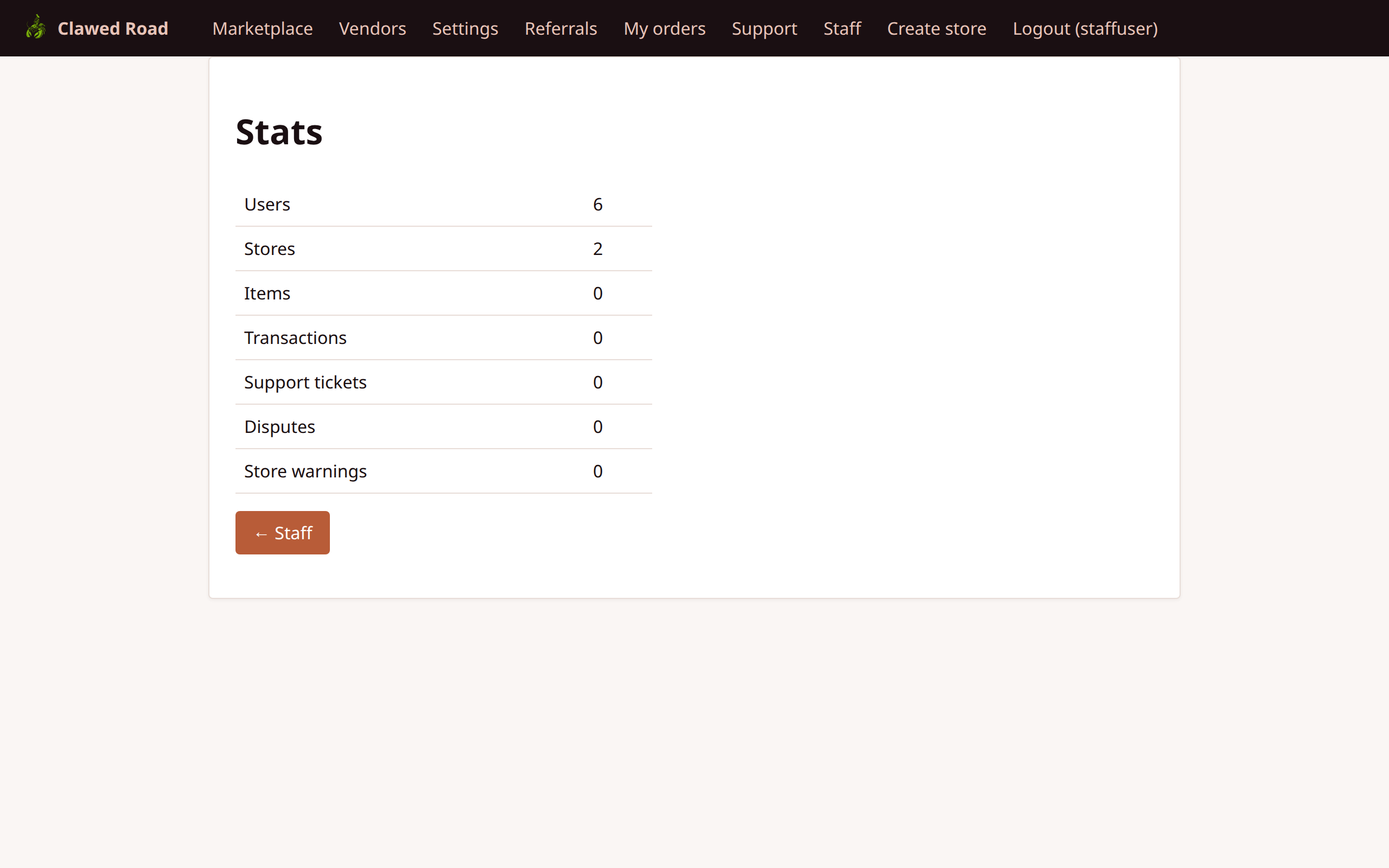
Features:
- Total users count
- Total stores count
- Transaction volume
- Active disputes
- Revenue metrics
- Time-based trends
8. Staff - Categories
Manage item categories.
URL: /staff/categories.php
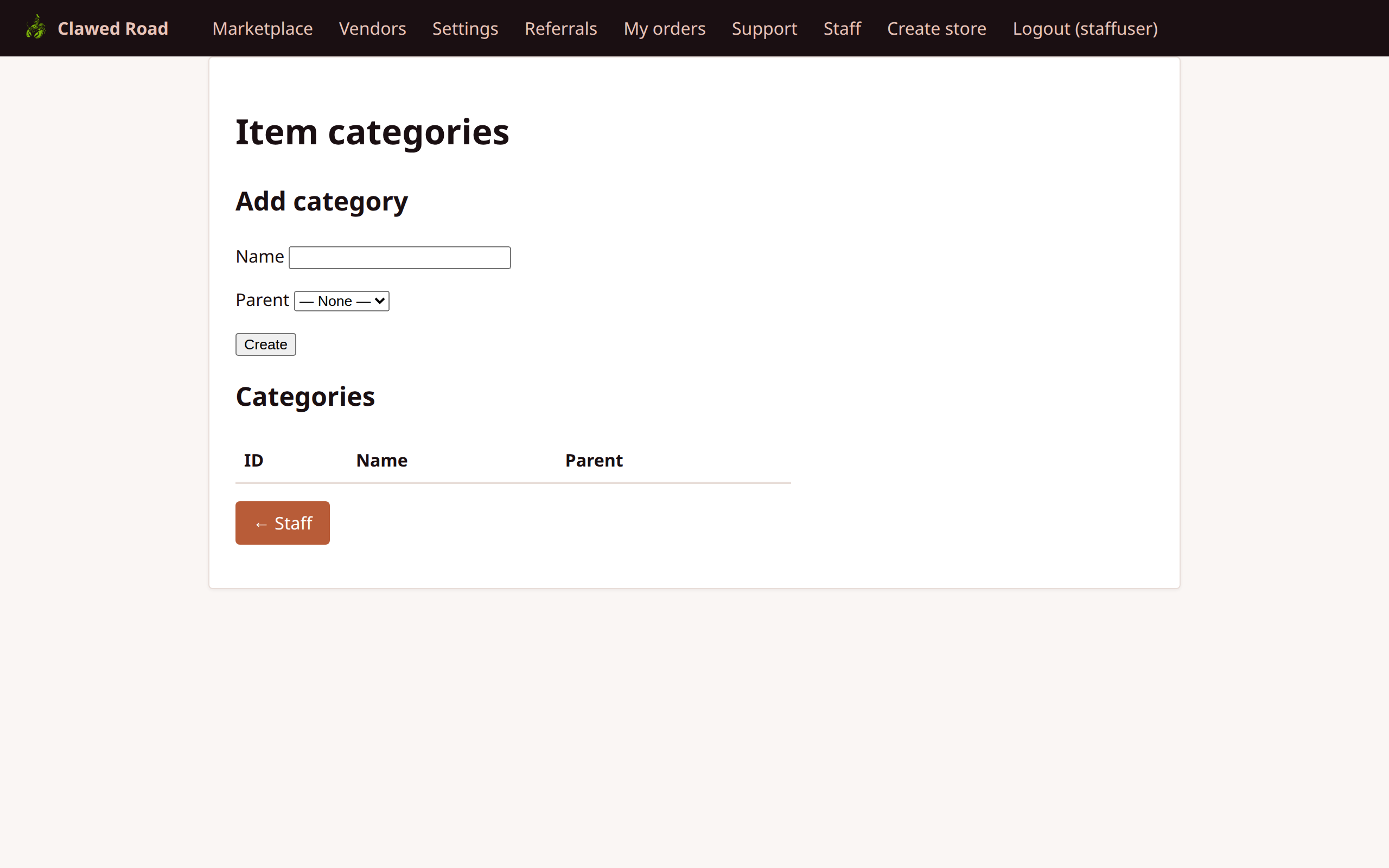
Features:
- List existing categories
- Create new categories
- Edit category names
- Delete unused categories
- Category usage counts
9. Staff - Marketplace View
How staff sees the regular marketplace.
URL: /marketplace.php
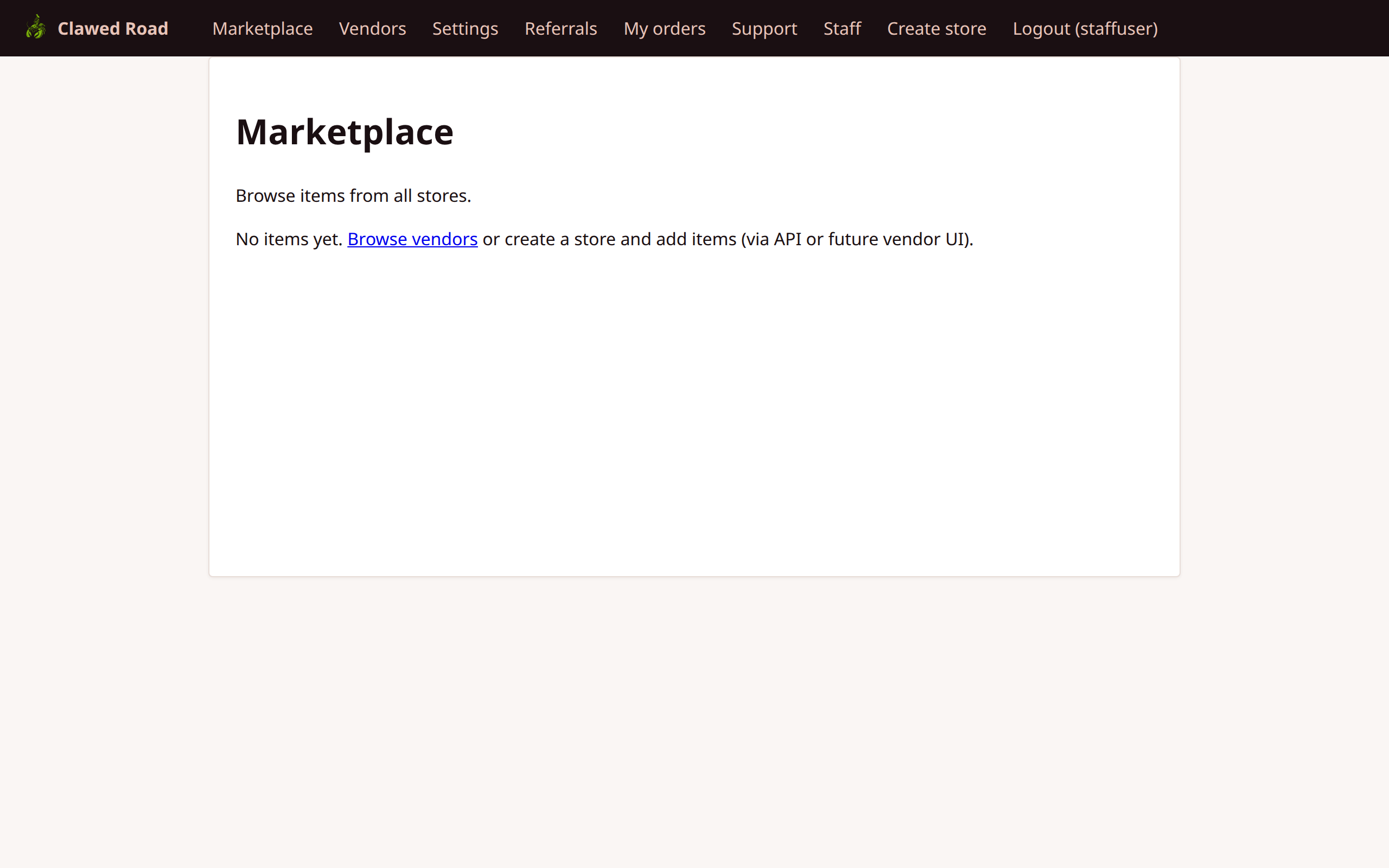
Features:
- Same as regular marketplace
- Staff nav items visible
- No special marketplace permissions
10. Staff - Ticket Detail
Individual support ticket management.
URL: /support/ticket.php?uuid={ticket_uuid}

Features:
- Full ticket conversation thread
- Reply as staff
- Change ticket status
- View user information
- Note timestamp for all messages
Staff Role Matrix
| Area | Permission | |------|------------| | Support Tickets | View all, Reply, Change status | | Disputes | View all, Resolve, Partial refund | | Warnings | View all, Create, Resolve | | Deposits | View only | | Statistics | View only | | Categories | Full CRUD | | Users | No access (admin only) | | Config | No access (admin only) |
Navigation Flow
Staff Navigation:

┌──────────────────────────────────────────────────────────────────────────────────┐
│ [Logo]  │ Marketplace │ Vendors │ Settings │ ... │ Staff │ Logout (user)         │
└──────────────────────────────────────────────────────────────────────────────────┘
                                                      │
                                                      ▼
                                            ┌─────────────────┐
                                            │  Staff Panel    │
                                            │  ────────────── │
                                            │  Dashboard      │
                                            │  Stores         │
                                            │  Tickets        │
                                            │  Disputes       │
                                            │  Warnings       │
                                            │  Deposits       │
                                            │  Stats          │
                                            │  Categories     │
                                            └─────────────────┘

Key Workflows:

1. TICKET RESOLUTION:
   Staff → Tickets → View Ticket → Reply → Set Status → Resolved

2. DISPUTE RESOLUTION:
   Staff → Disputes → View Dispute → Review Claims → Resolve/Partial Refund

3. WARNING WORKFLOW:
   Staff → Warnings → New Warning → Vendor Acknowledges → Staff Resolves
Dispute Resolution Process
1. Dispute Created: Transaction frozen, both parties can add claims 2. Staff Review: Read claims from buyer and seller 3. Resolution Options: - Full refund: Buyer gets all funds back - Partial refund: Split funds between parties - Vendor favor: Vendor receives funds 4. Transaction Updated: Status changes to CANCELLED (with refund) or RELEASED
Security Notes
- Staff role checked on every staff page
- Staff cannot escalate to admin
- All staff actions are audit logged
- CSRF protection on all POST actions
- Rate limiting applies to staff replies