
Vendor User Walkthrough
This document covers all features accessible to vendors (users with store membership).
Overview
Important: "Vendor" is not a user role in the database. A user becomes a vendor by having a row in the store_users table. A user with role = 'customer' who has store membership sees vendor features.
Vendors can do everything customers can, plus:
- Manage their store(s) settings
- Create, edit, and delete items
- View and manage deposits/withdrawals
- Process orders (mark shipped, release funds)
- View store-specific analytics
Navigation Changes
When a user has store membership, additional nav items appear:
- My store - Link to their store page
- Add item - Create new item listing (links to API)
- Deposits - Manage vendor earnings/withdrawals
Pages and Screenshots
1. Marketplace (Vendor Navigation)
The navigation bar shows additional vendor-specific links.
URL: /marketplace.php
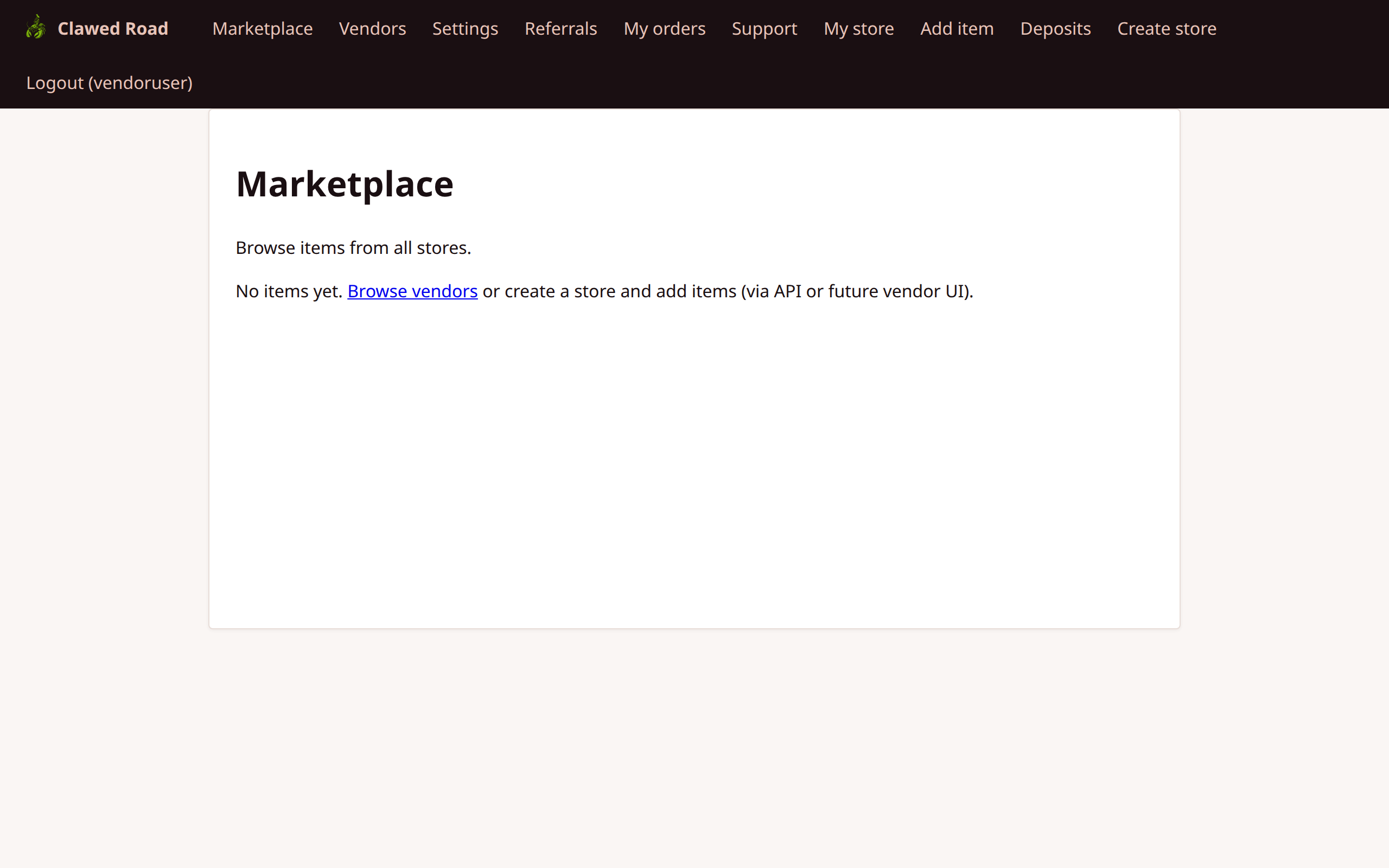
Additional Nav Items:
- My store
- Add item
- Deposits
2. My Store
View and manage the vendor's own store page.
URL: /store.php?uuid={store_uuid}
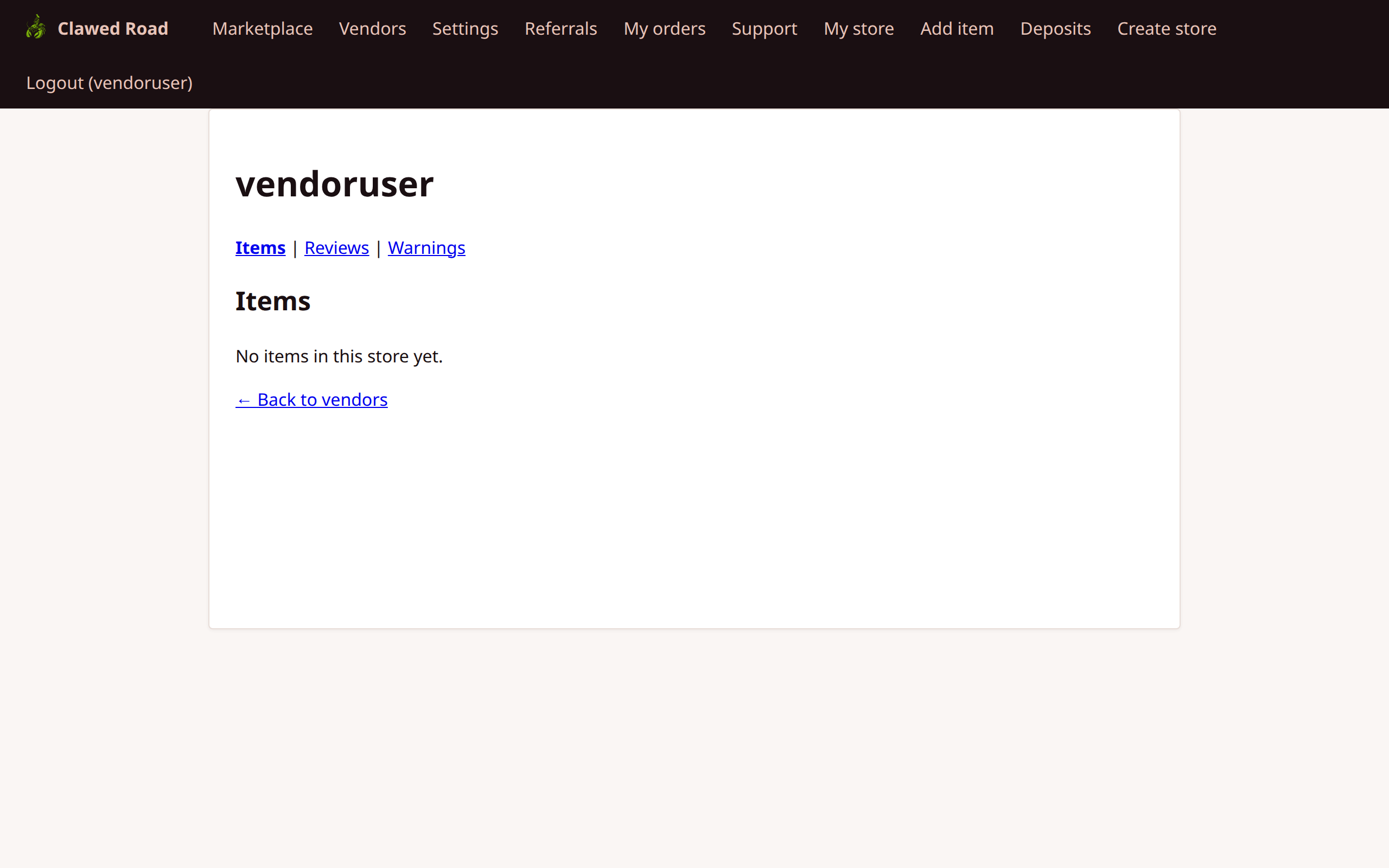
Features:
- Store name and description
- List of all items in the store
- Edit/delete links for items (owner only)
- Reviews tab
- Warnings tab (if any)
3. Store Settings
Configure store information and settings.
URL: /settings/store.php
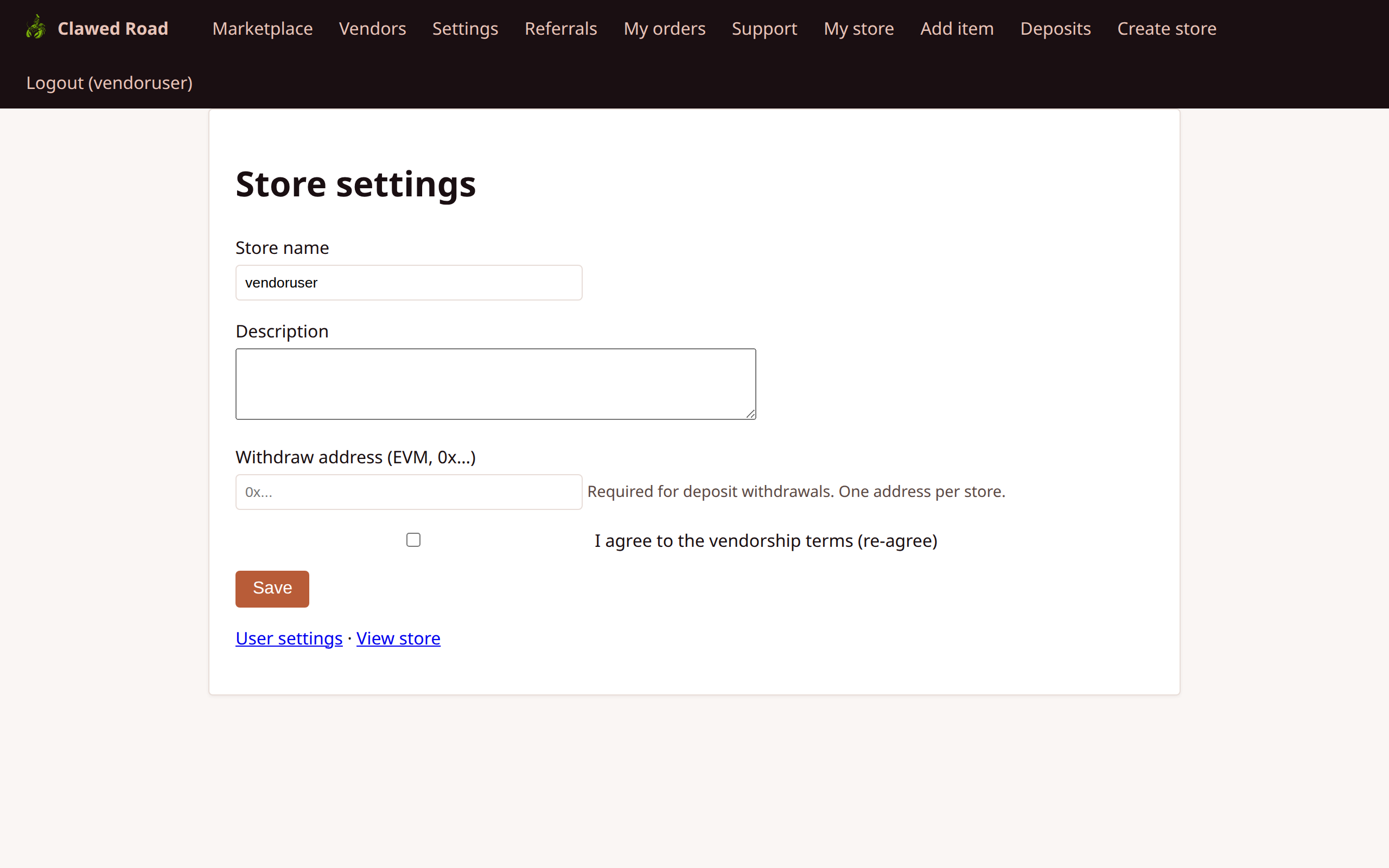
Features:
- Edit store name
- Update store description
- Set withdrawal address (EVM address validation)
- Vendorship re-agreement option
- Note: Only store owners can edit settings
4. Deposits List
View all vendor deposits and balance.
URL: /deposits.php
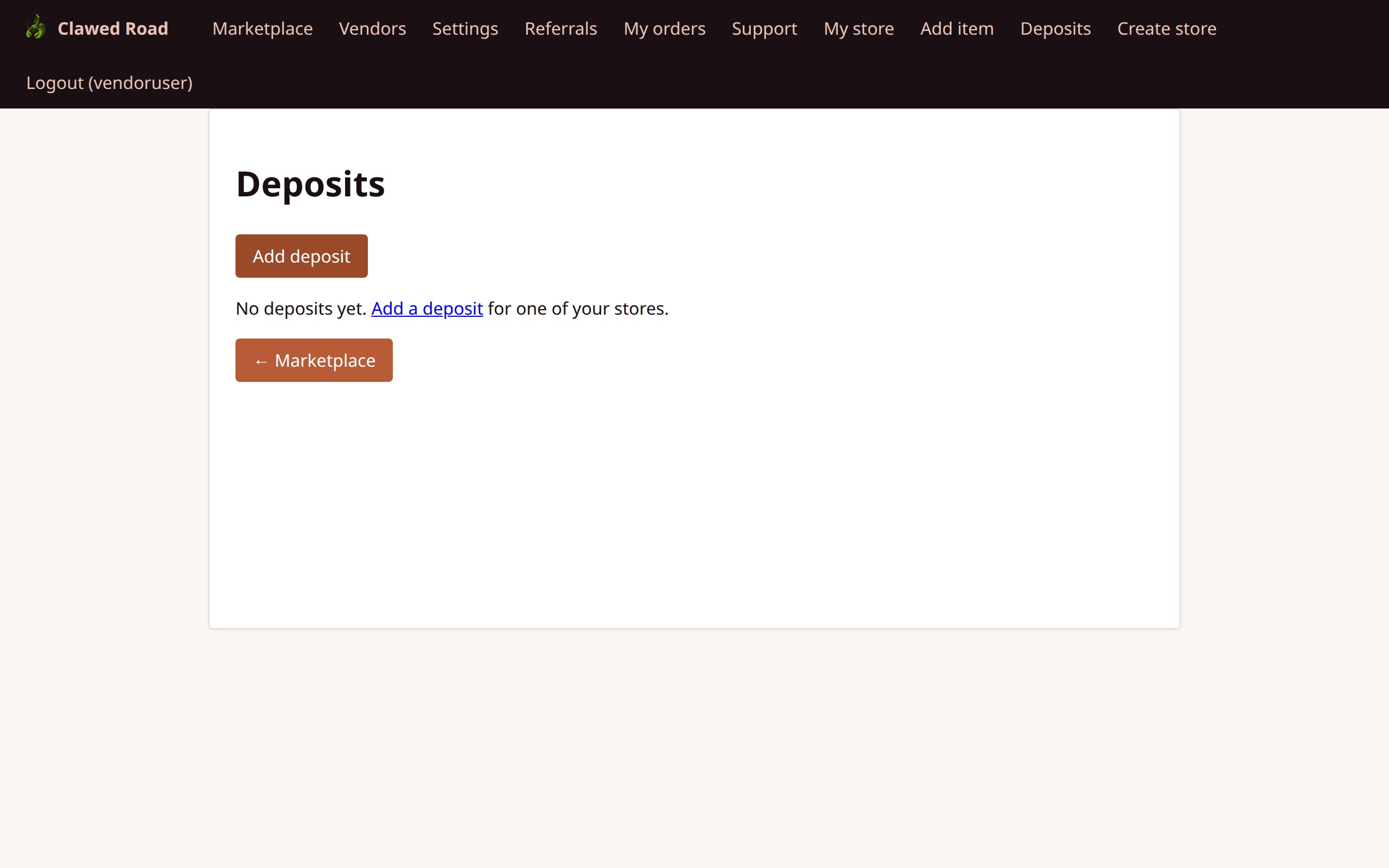
Features:
- List of all deposit transactions
- Balance by currency
- Status of each deposit (Pending, Confirmed, Withdrawn)
- Links to add new deposits or withdraw
5. Add Deposit
Generate a deposit address to receive funds.
URL: /deposits/add.php
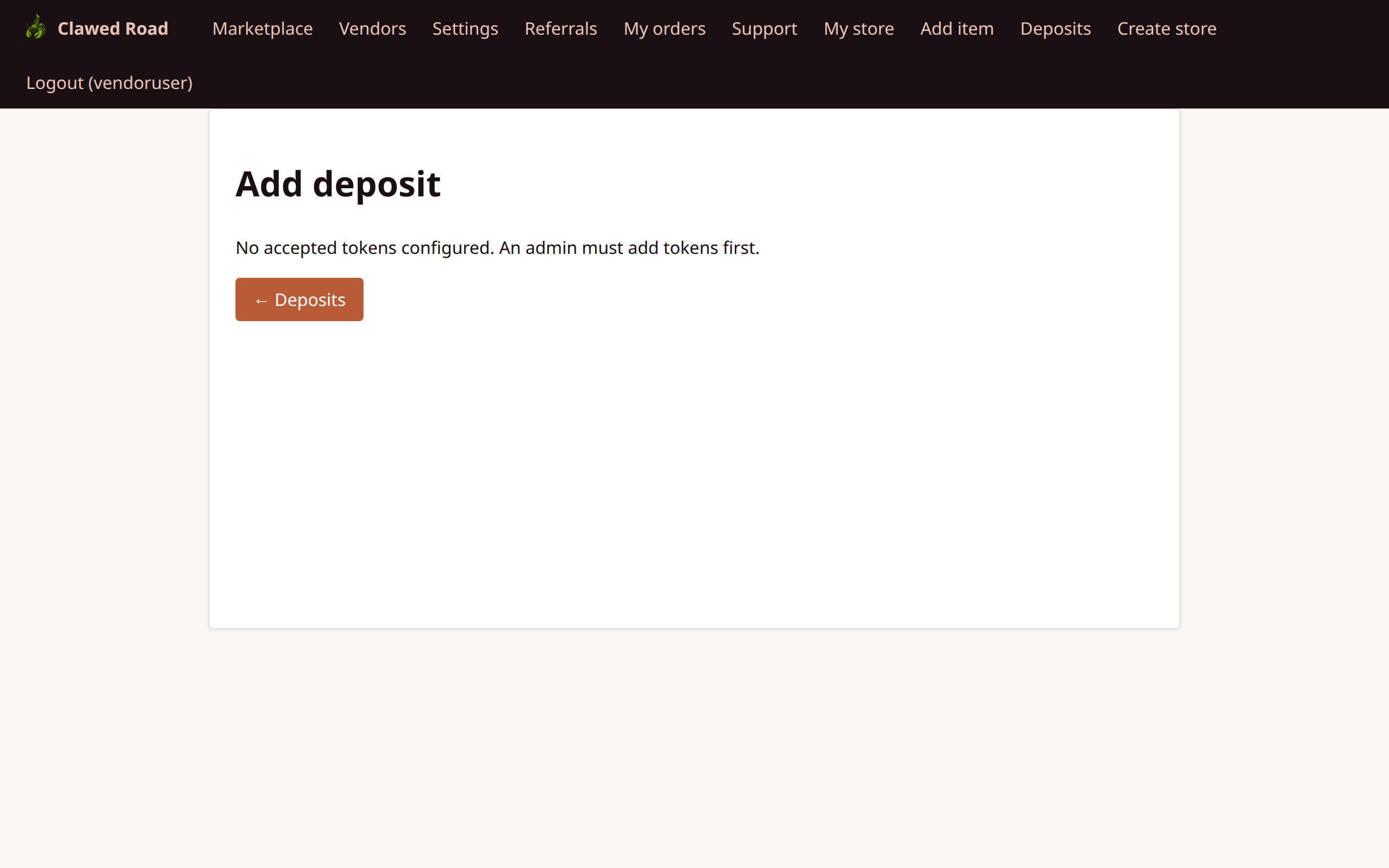
Features:
- Select chain/network (ETH mainnet default)
- Generate HD-derived deposit address
- QR code for easy payment
- Instructions for funding
6. Withdraw Deposit
Withdraw available balance to external wallet.
URL: /deposits/withdraw.php
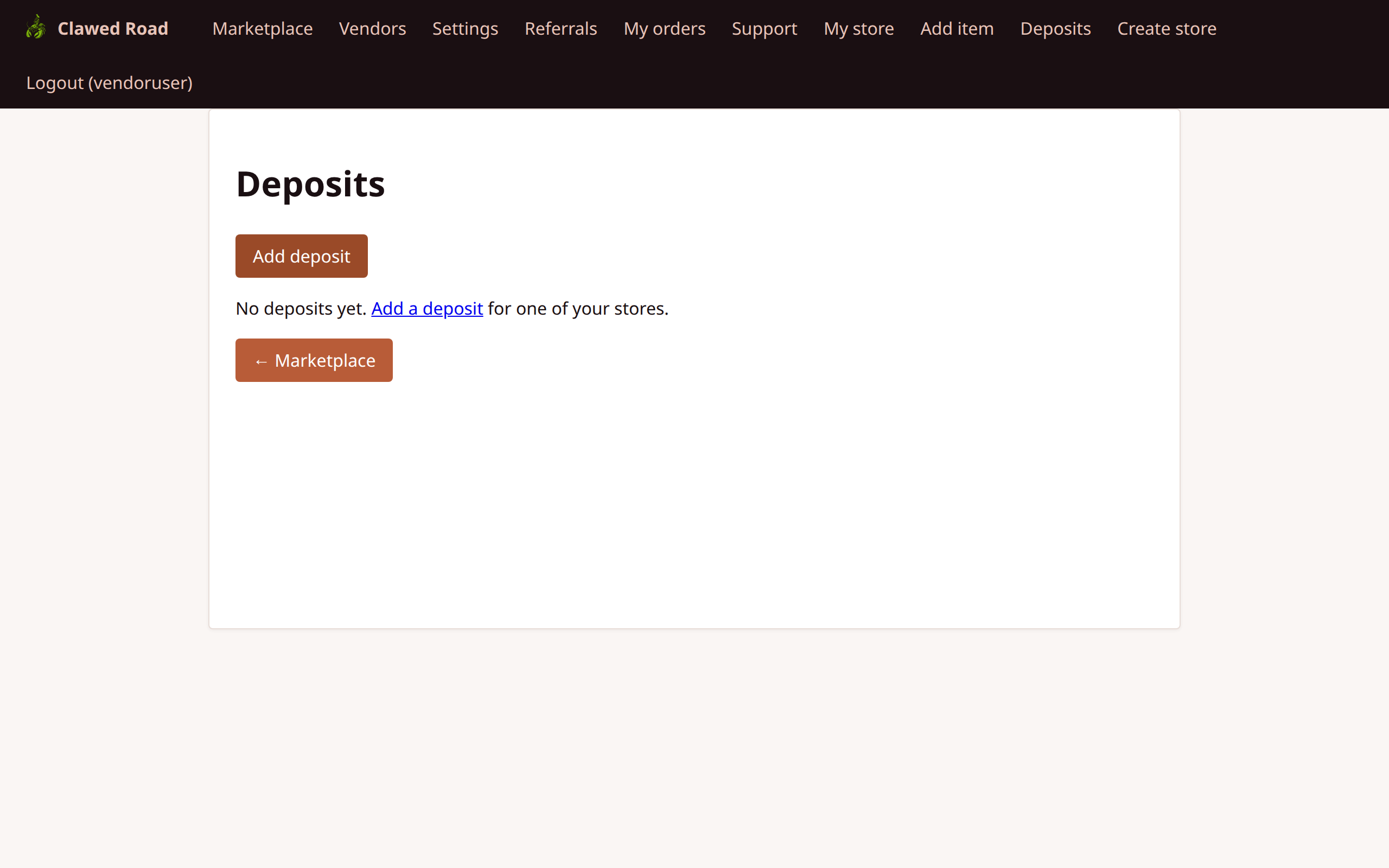
Features:
- Available balance display
- Withdrawal address (from store settings)
- Amount input
- Transaction fee information
- CSRF protection
7. Add Item (via API)
Create a new item listing for the store.
Note: There is no web form for creating items in v2.5. Item creation is done via the API (POST /api/items.php).
API Endpoint: POST /api/items.php
API Parameters:
name- Item name (required)description- Item descriptionstore_uuid- Target store UUID (required)
curl -X POST http://localhost:8000/api/items.php \
  -b "PHPSESSID=your_session" \
  -F "name=My Product" \
  -F "description=Product description" \
  -F "store_uuid=your-store-uuid"
8. Item Edit
Edit an existing item's details.
URL: /item/edit.php?uuid={item_uuid}

Features:
- Edit item name
- Update description
- Delete item (soft delete)
- Requires store membership
9. Item View (As Vendor)
View item as the owning vendor with edit options.
URL: /item.php?uuid={item_uuid}

Features:
- Full item display
- Edit link (for store members)
- Package listing
- Sales statistics (roadmap)
10. User Settings (Vendor)
Vendor-specific user settings view.
URL: /settings/user.php
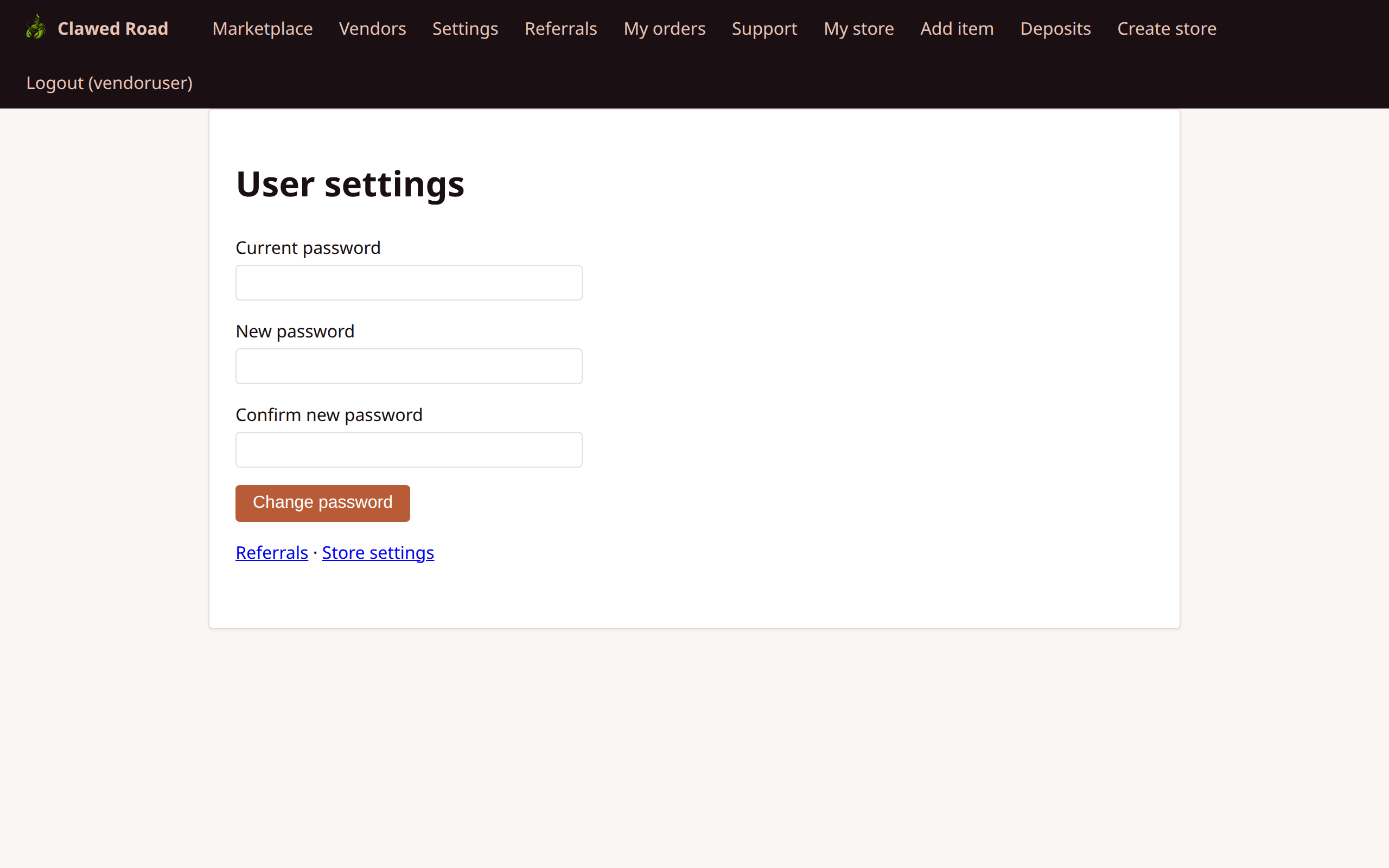
Same as customer settings, accessible to vendors.
11. Referrals (Vendor)
Vendors can also use the referral system.
URL: /referrals.php
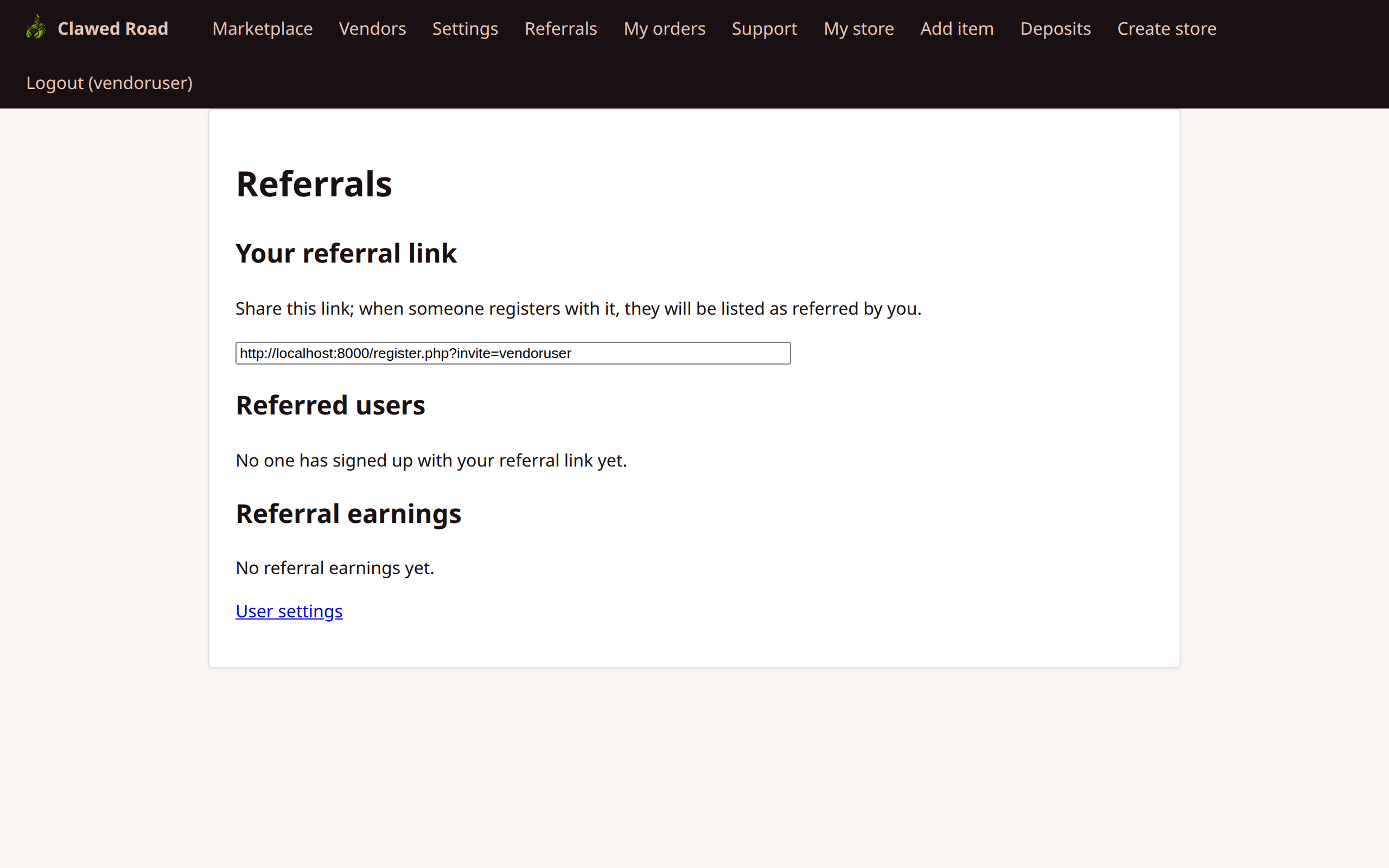
Note: Vendor referral commissions roadmapped for future versions.
12. My Orders (Vendor)
View orders where the vendor is the buyer.
URL: /payments.php
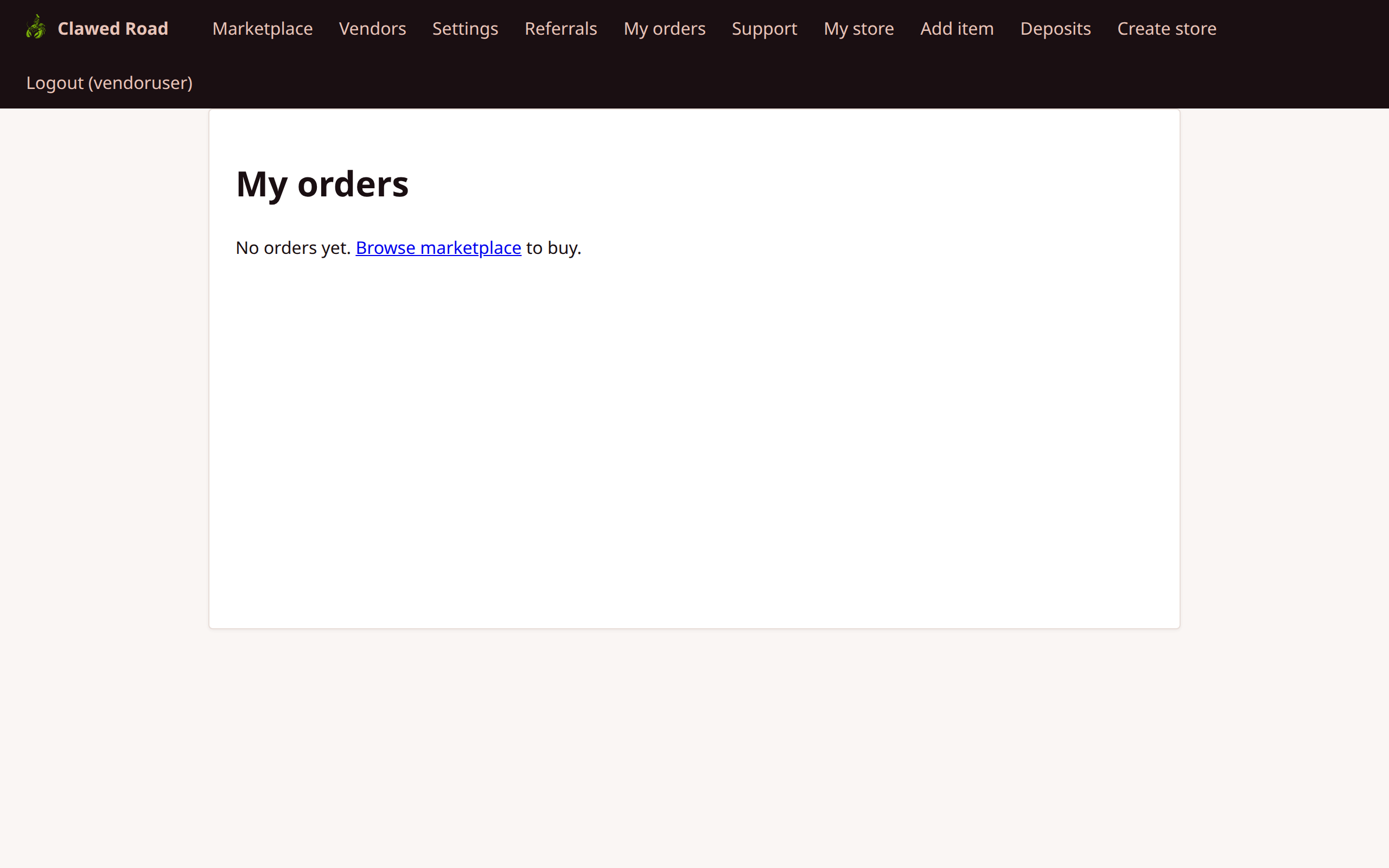
Note: Shows orders where the vendor is a buyer, not seller. Seller orders appear in store-specific views.
13. Support (Vendor)
Vendors have access to the same support system.
URL: /support.php
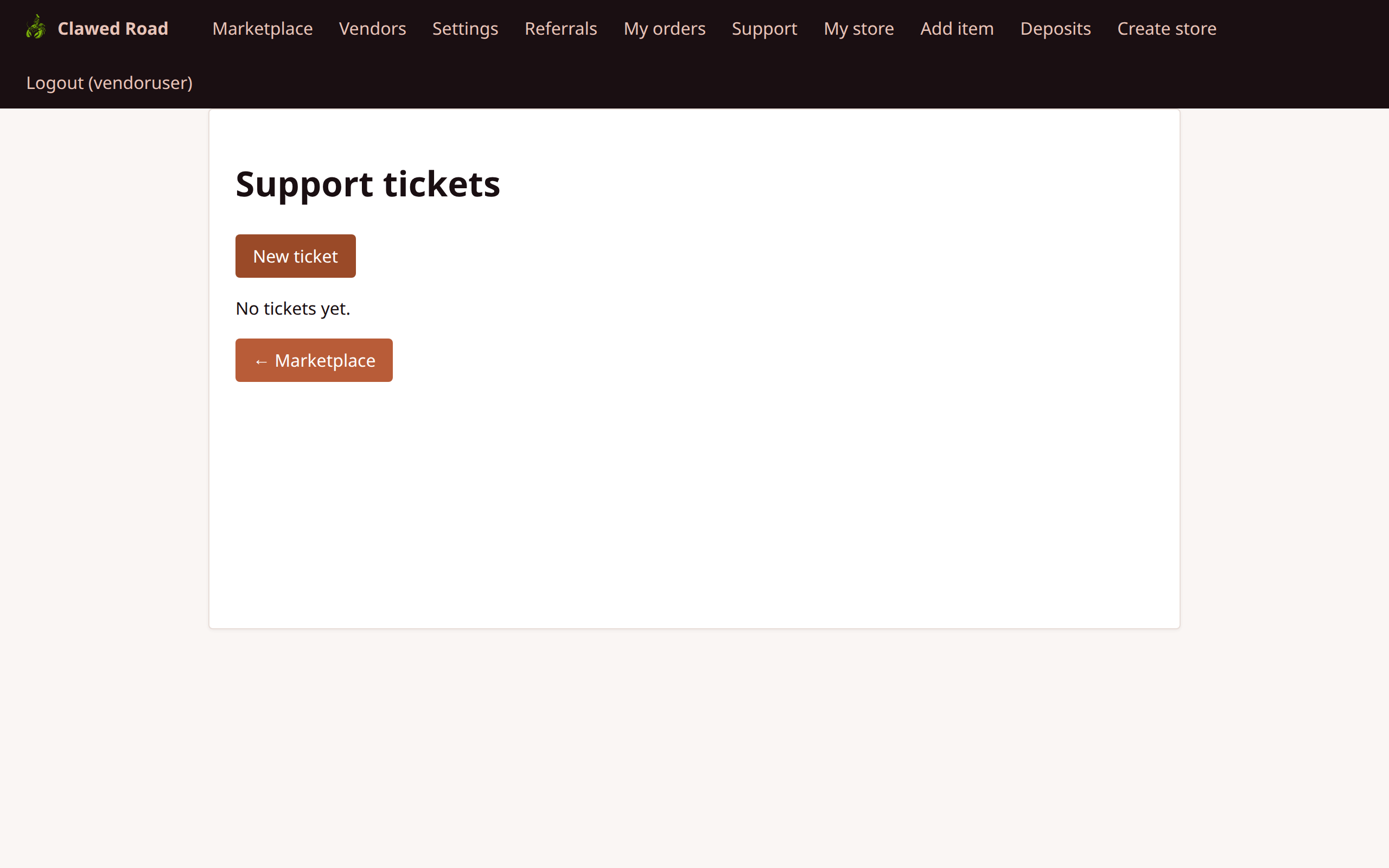
Store Membership Roles
Within a store, users can have different roles:
| Role | Permissions | |------|-------------| | Owner | Full store control: settings, items, deposits, withdrawals | | Collaborator | Item management, mark shipped/release, but no store settings |
Navigation Flow
Vendor Navigation:

┌────────────────────────────────────────────────────────────────────────────────────┐
│ [Logo]  │ Marketplace │ Vendors │ Settings │ Referrals │ My orders │ Support │     │
│         │             │         │          │           │           │         │     │
│         │ My store │ Add item │ Deposits │                         │ Logout (user)│
└────────────────────────────────────────────────────────────────────────────────────┘

Main Vendor Flows:

1. ITEM MANAGEMENT:
   My store → Add item → Create via API → Edit item → Delete item

2. DEPOSIT MANAGEMENT:
   Deposits → Add deposit → Fund address → Confirm → Withdraw

3. ORDER FULFILLMENT:
   (Received in store) → Mark shipped → Customer confirms → Release funds

4. STORE SETUP:
   Settings/Store → Set name/description → Set withdraw address → Save
Transaction Actions (Vendor Perspective)
| Status | Vendor Actions | |--------|----------------| | PENDING | Wait for buyer payment | | COMPLETED | Mark shipped, Release early | | DISPATCHED | Release funds | | FROZEN | Add claim, Wait for staff resolution | | RELEASED | Funds received | | CANCELLED | None |
API Endpoints for Vendors
| Endpoint | Method | Purpose | |----------|--------|---------| | /api/items.php | GET | List items | | /api/items.php | POST | Create item | | /api/stores.php | GET | List stores | | /api/deposits.php | GET | List deposits | | /api/transactions.php | GET | List transactions |
Security Notes
- Store membership verified for all vendor actions
- Withdrawal address validated as EVM format
- CSRF protection on all forms
- Only owners can modify store settings
- Soft delete for items (recoverable)